TCC

UX/UI design.

Project Overview.

Design a web application that facilitates connections between tennis players and clubs via a comprehensive platform, enhancing communication and collaboration within the tennis community.

  • Role

  • Product, UX/UI, Research, Branding

  • Tools

  • Figma, Illustrator, Zoom, Slack, Notion. 

Problem

Taking everything into consideration.

The research problem revolves around the complexity of meeting the diverse needs and expectations of players, clubs, and tournament administrators within the tennis community when creating a tennis website. This encompasses designing a platform with a wide range of features and functionalities, including tournament management, player registrations, performance tracking, and event promotion, while ensuring an intuitive and engaging user experience for a diverse audience.

Solution

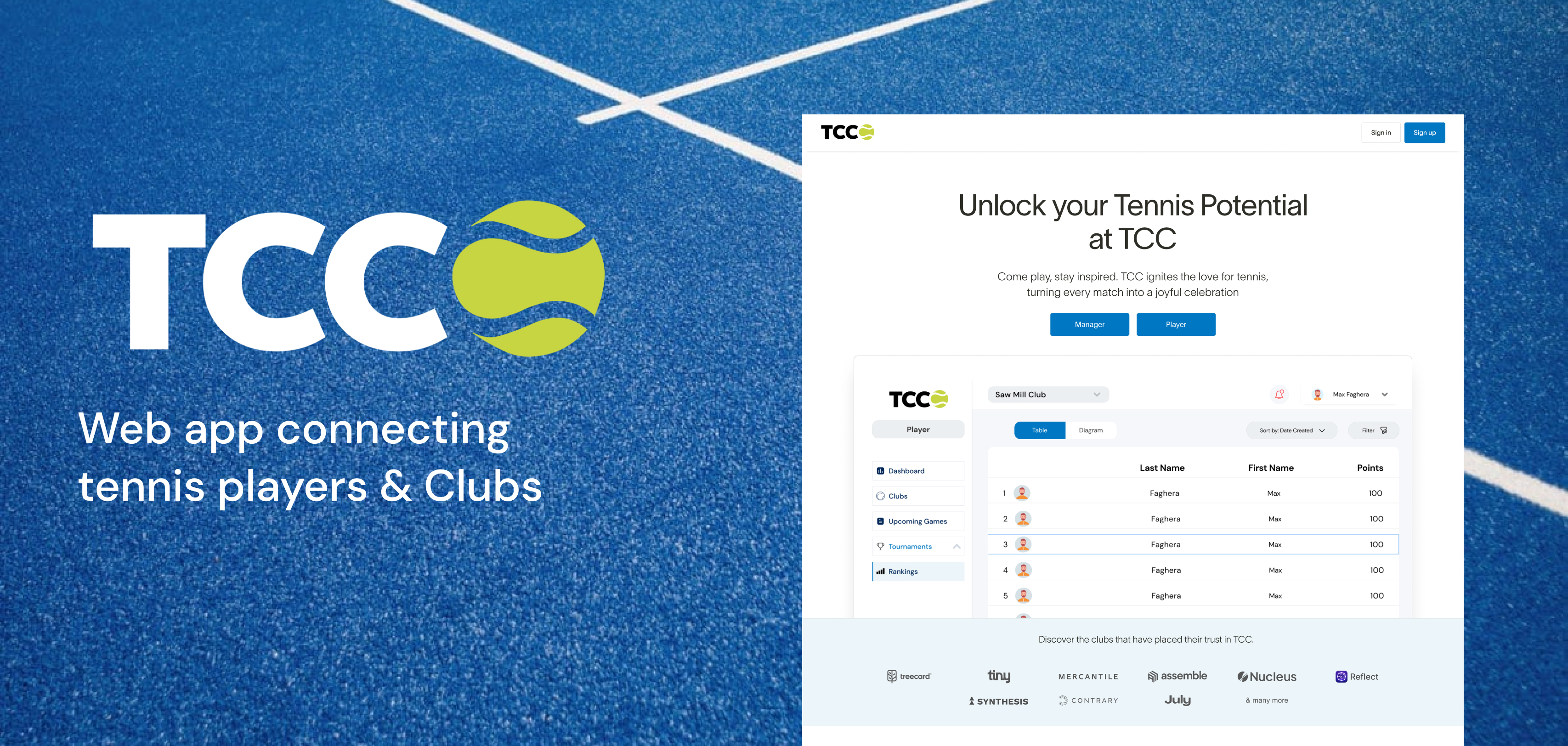
TCC connect players and club managers

Developing a versatile and adaptable platform that meets the needs of the tennis community and promotes greater participation in the sport. TCC is a website designed to assist users in fulfilling their desire to discover and organize tennis tournaments. Whether you're a player seeking upcoming tournaments or a manager looking to organize them, TCC provides the tools and resources needed to accomplish your goals efficiently and effectively.
The Process

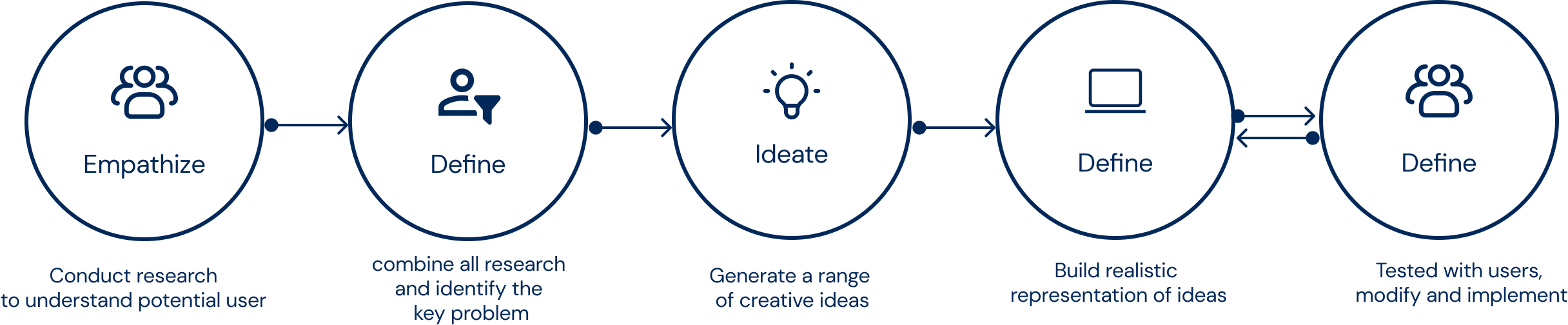
I followed the design process throughout the entire project, prioritizing user needs from concept to completion, resulting in intuitive and engaging user experiences.
Researching Problem Space

Our main research goals were to understand Needs of Players and Club Managers

I began the design process by selecting a specific usage scenario to focus on. Guided by the assignment instructions, I chose to prioritize meeting the needs of both players and club managers. This involved identifying areas where the website could offer value to both parties, including features like player statistics tracking, match scheduling, communication tools, recruitment platforms, and more. To better understand the needs and preferences of players and club managers, I conducted research, including interviews and observations. This allowed me to gather insights into their behaviors, pain points, and goals related to tennis.

Some key findings...

Analysing Market & Competitions

Competitive Analysis for Tennis App Development

I decided to conduct a competitive analysis by studying existing applications for playing tennis. I chose to investigate applications with similar interests to TCC. I identified two competitors,  tennis.com and utrsports.com. I evaluated the strengths and weaknesses of these applications to outline how I could use that information in the development of the concept.

Defining Persona & Goals

Listening and understanding users

Based on previous observations and interviews, I recognized that there were two user types that the design tried to solve problems for. Creating user personas helped me start to visualize and understand the user's needs and challenges.

Alex
35 years old
Club Manager

Background: Alex is the manager of a local tennis club. He has been involved in tennis administration for several years and is passionate about growing the tennis community in his area.

Goals
Increase membership and participation in club activities.
Organize successful tournaments and events.
Provide quality coaching and training programs for club members.

Frustrations
Difficulty in attracting new members to the club.
Challenges in managing tournament logistics and registrations.
Limited resources for coaching and facility maintenance.

Motivation
Alex is motivated by seeing the growth and success of the tennis club.
He is dedicated to providing a positive and welcoming environment for tennis players of all levels and ages. He is driven by his passion for the sport and his desire to make a meaningful impact in the local tennis community.

Sarah
25 years old
Player

Background: Sarah is a passionate tennis player who has been playing since she was a teenager. She plays tennis recreationally with friends and competitively in local tournaments.

Goals
Improve her tennis skills and technique.
Find nearby tournaments to participate in.
Connect with other tennis players for friendly matches.

Frustrations
Difficulty in finding relevant tournaments in her area.
Lack of opportunities to meet and connect with other tennis players.

Motivation
Sarah is motivated by her love for the sport and her desire to continuously improve her game. She seeks opportunities to challenge herself and compete against other players.

User Storyboarding

Placing the persona in an ideal context scenario helps identify the minimum required functions of our MVP.

At this stage, the main aim is to identify the design needs necessary for making these ideal scenarios possible. These needs will guide the brainstorming phase.

User Story: Finding and Registering for a Tennis Tournament

Frame 1
: The tennis player opens the tennis application on their phone.
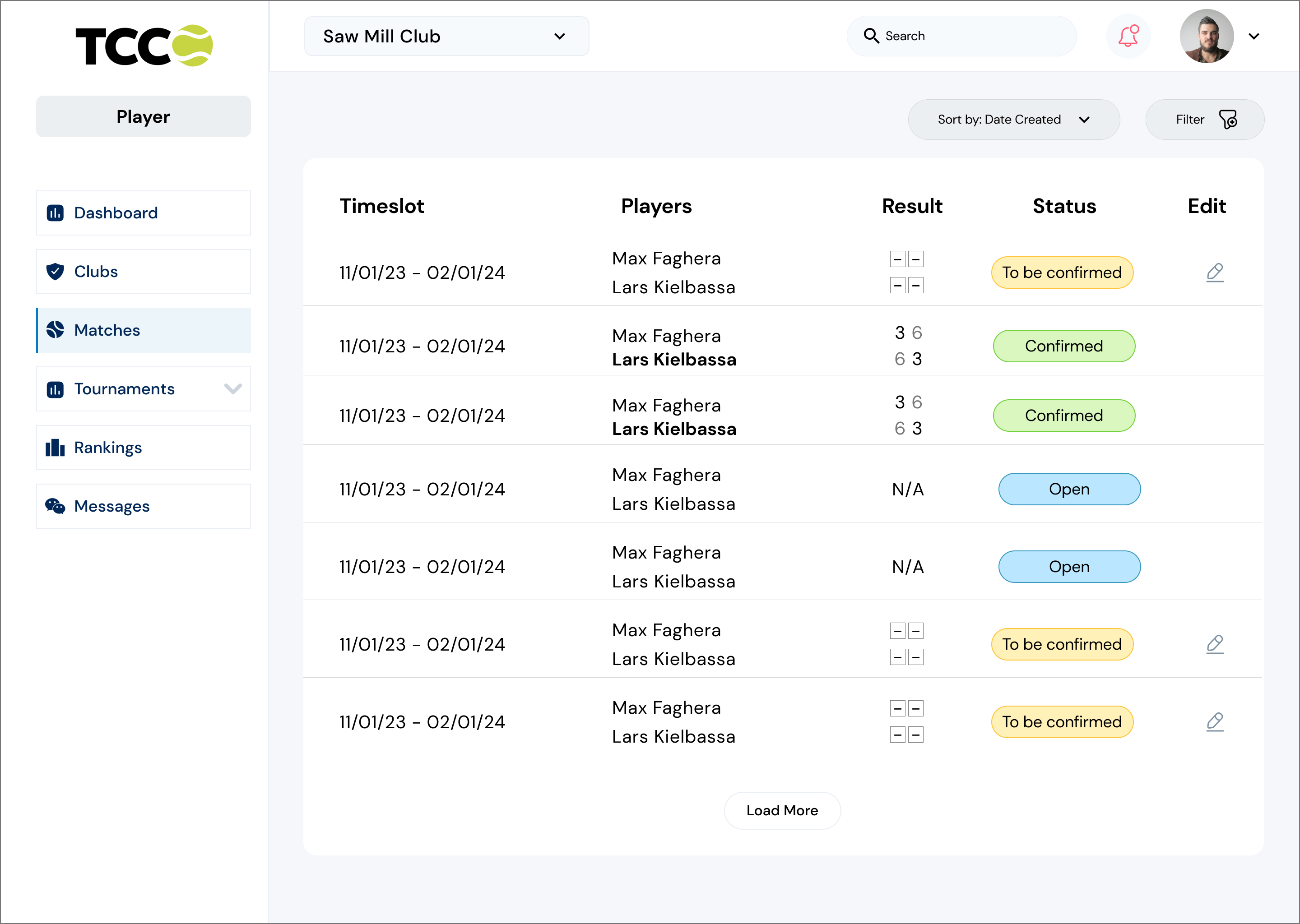
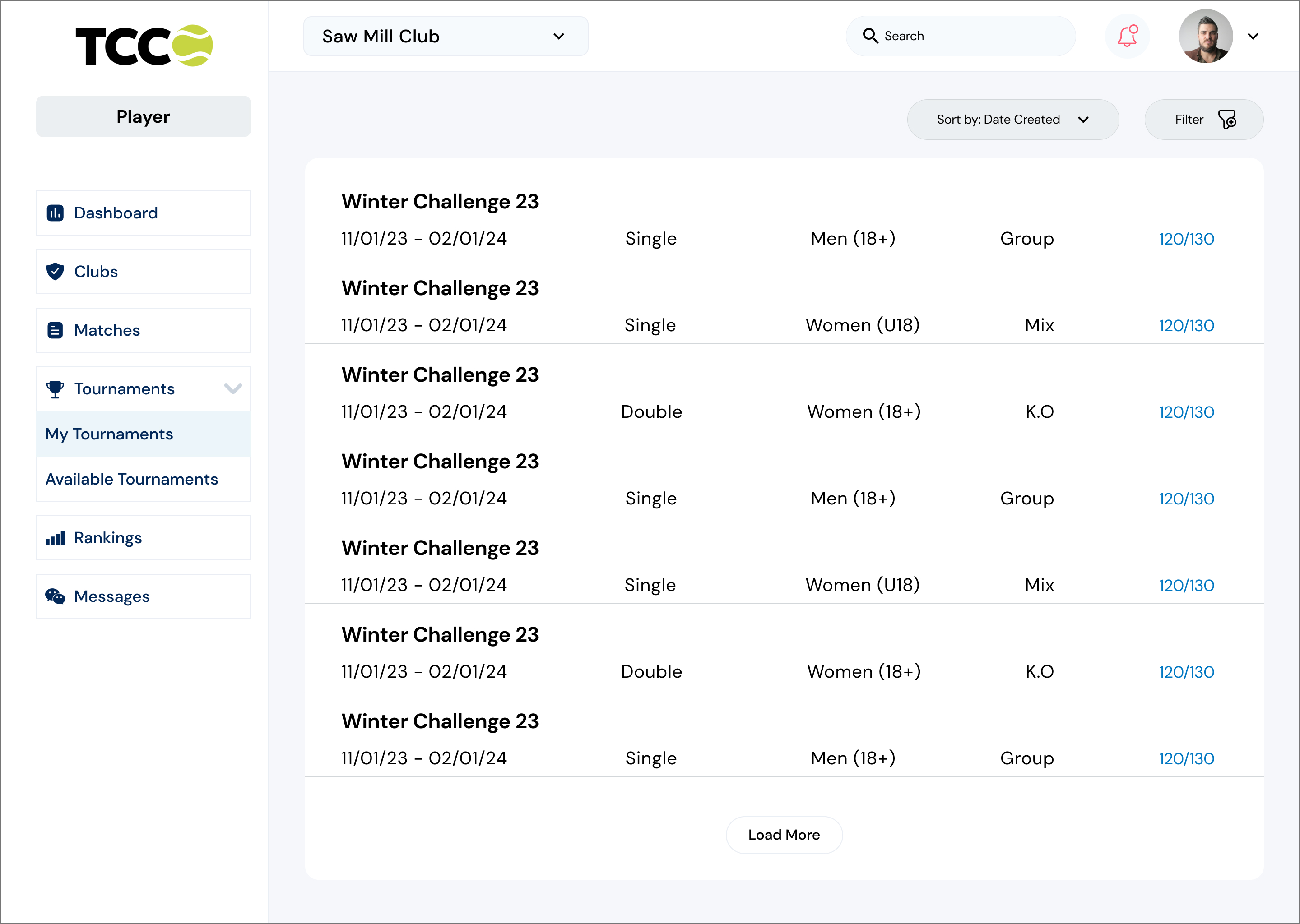
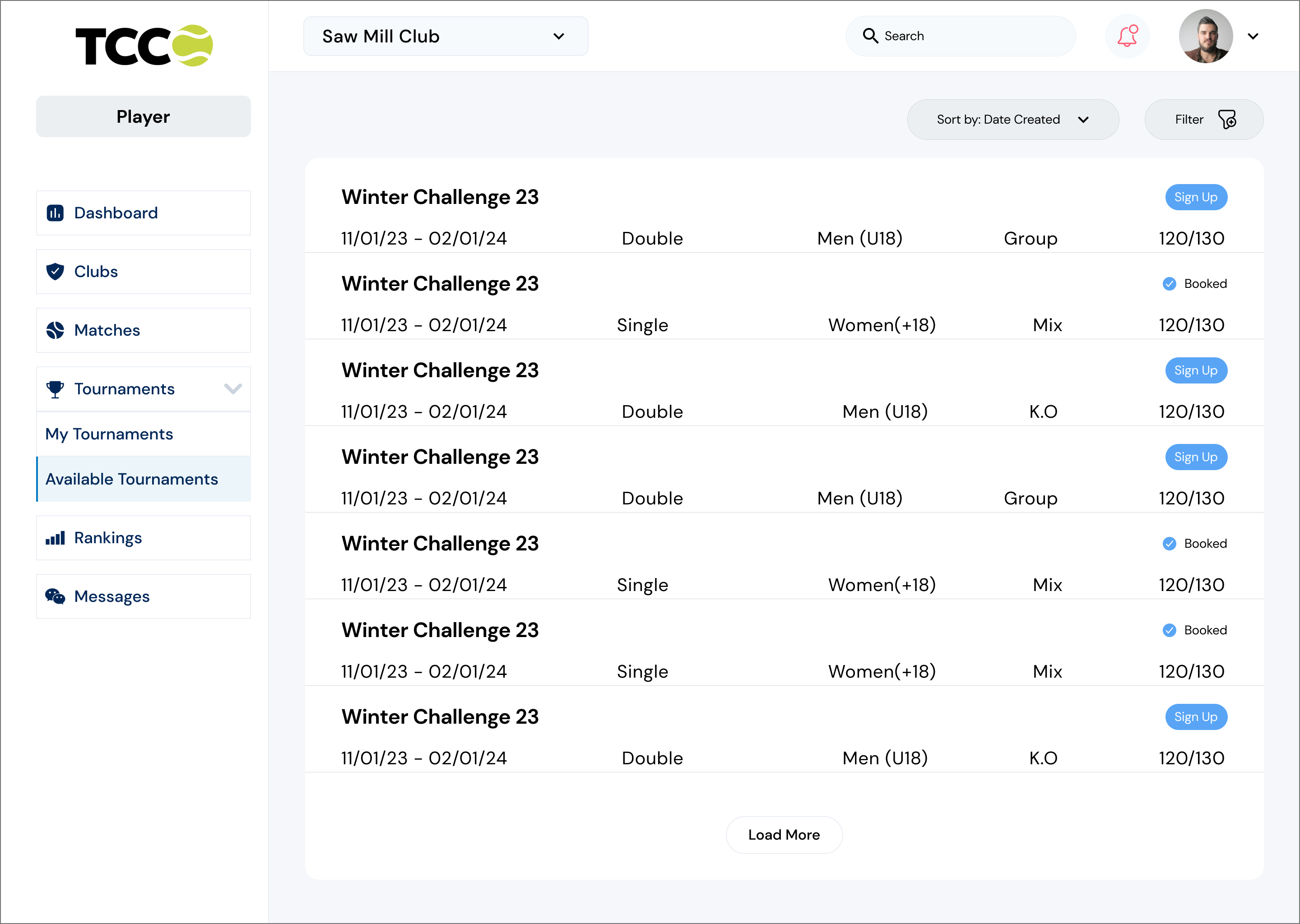
Frame 2: The player navigates to the "Tournaments" section of the app and "Tournaments available".
Frame 3: The player selects their preferred club for the tournament.
Frame 4: The app displays a list of upcoming tournaments in the selected club, along with timeslot, Double or single, Age range,  type of tournament and number of spots.
Frame 5: The player reviews the tournament details and selects one that fits their schedule and preferences.
Frame 6: The player sign up for the tournament.
Frame 7: The player confirms their registration and receives a confirmation email or notification.
Frame 8: The player adds the tournament to their calendar and shares the event details with friends or fellow players.

User Story: Organizing a Tennis Tournament

Frame 1
: The club manager logs into the tennis club management system on their computer.
Frame 2: The manager navigates to the "Tournaments" section of the system.
Frame 3: The system displays a list of upcoming tournaments and past events, along with options to create a new tournament.
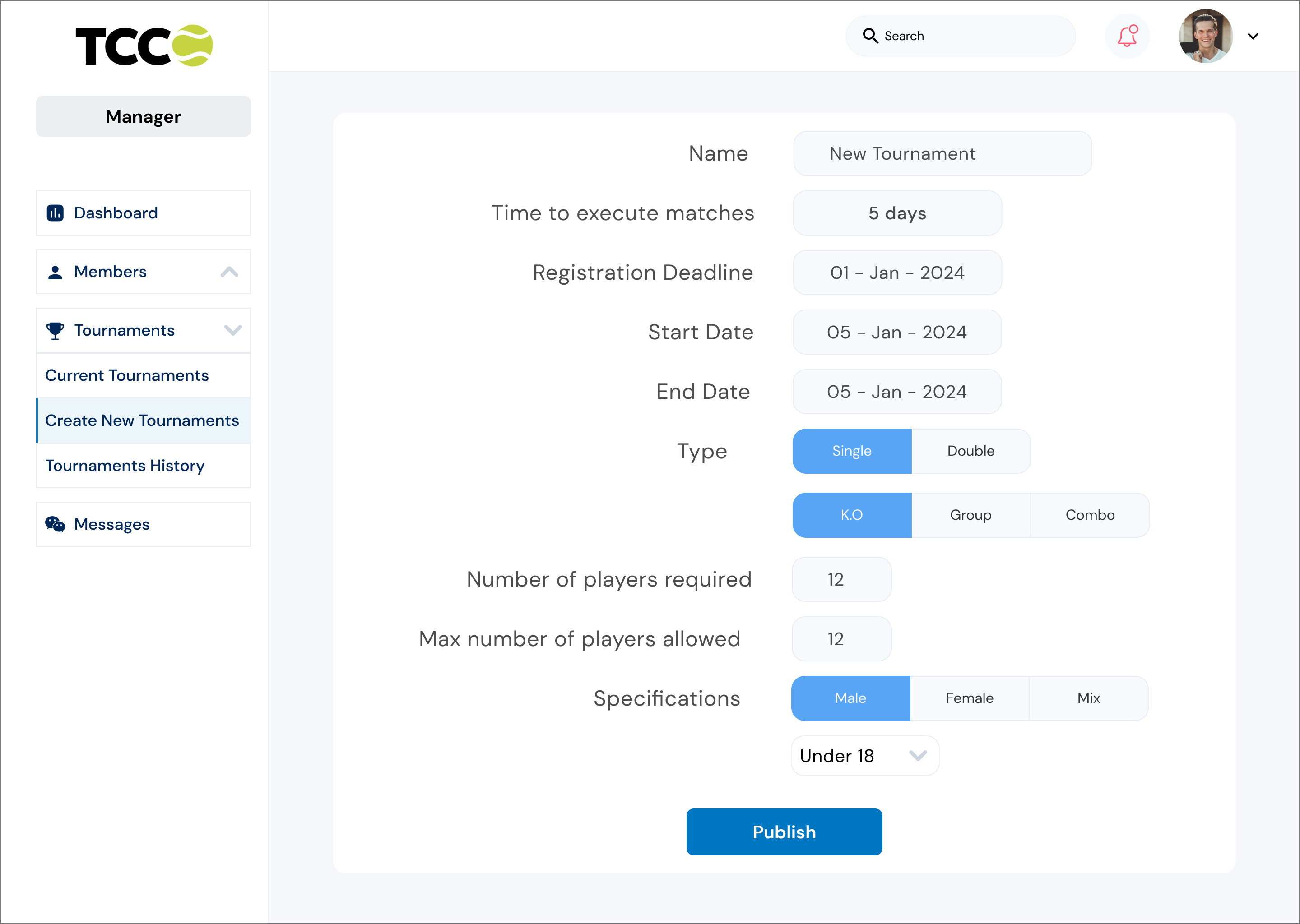
Frame 4: The manager selects the option to create a new tournament and fills in the necessary details, such as tournament name, date, registration deadline, type, number of player and specifications.
Frame 5: The manager confirms the tournament details and publishes the event, making it visible to club members and the public.
Frame 6: The system generates a unique tournament webpage with event details, registration links, and contact information.
Frame 7: The manager shares the tournament webpage on the club's website and social media channels to promote the event.
Frame 8: The system automatically tracks registrations and updates the manager on participant numbers and any outstanding tasks.
Frame 9: As the tournament date approaches, the manager uses the system to communicate important updates and reminders to registered participants.

Approaching a Solution

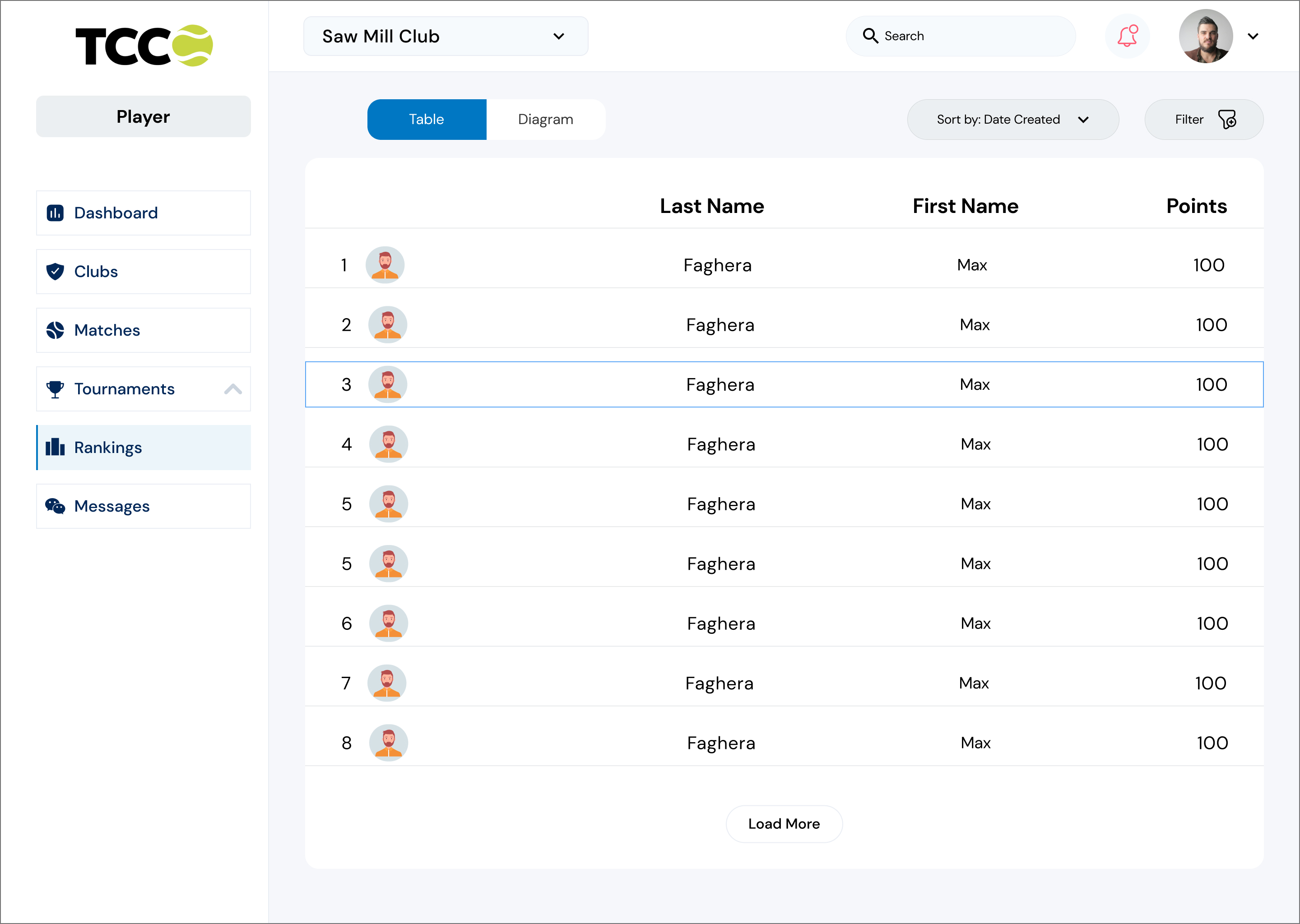
Emphasising progress through access to Information, Tournament Organization, Connection and Community.

Leveraging the key findings and persona attributes, I understood that the ideal solution must be able to connect tennis players and clubs. A comprehensive tool that meets the needs for information, organization, connection, and performance tracking within the tennis community, enhancing the overall experience for players, club manager and encouraging participation in the sport.

Design Goals

Visual
I prioritize creating a visually appealing platform because I understand the importance of capturing and retaining users' attention. Tennis is a dynamic and visually stimulating sport, and we aim to reflect that excitement through our website design.

Coherent
By presenting information in a clear, organized, and consistent manner, I aim to enhance the user experience and facilitate easy navigation throughout the website. Whether users are seeking tournament details, player rankings, or club information, they can rely on our website to deliver accurate and coherent information every time.

Simple
by prioritizing simplicity, I aim to make the website accessible and intuitive for everyone, regardless of their familiarity with tennis terminology or technology. A simple and straightforward design ensures that users can easily navigate the website, find the information they need, and engage with the features provided.
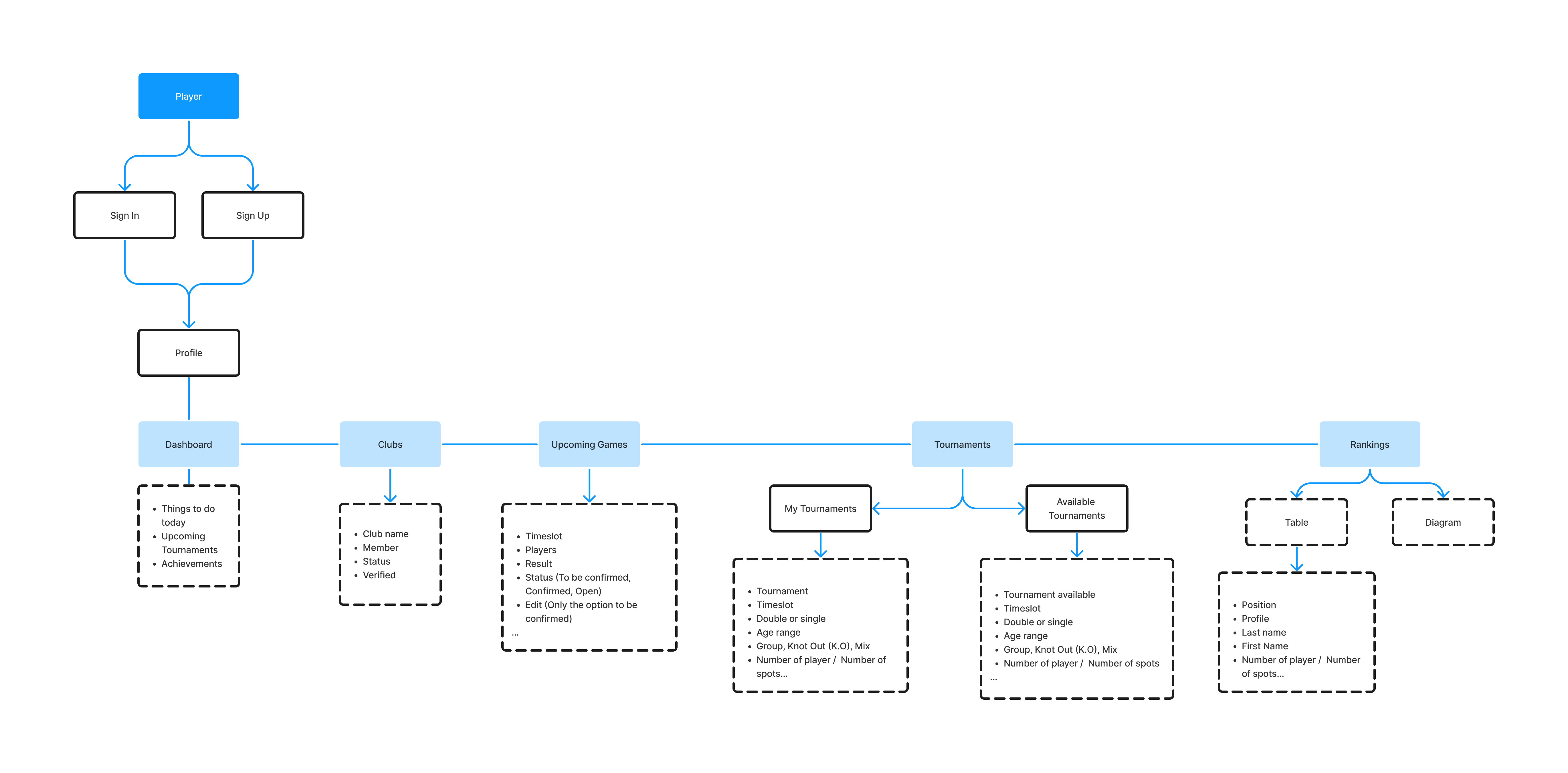
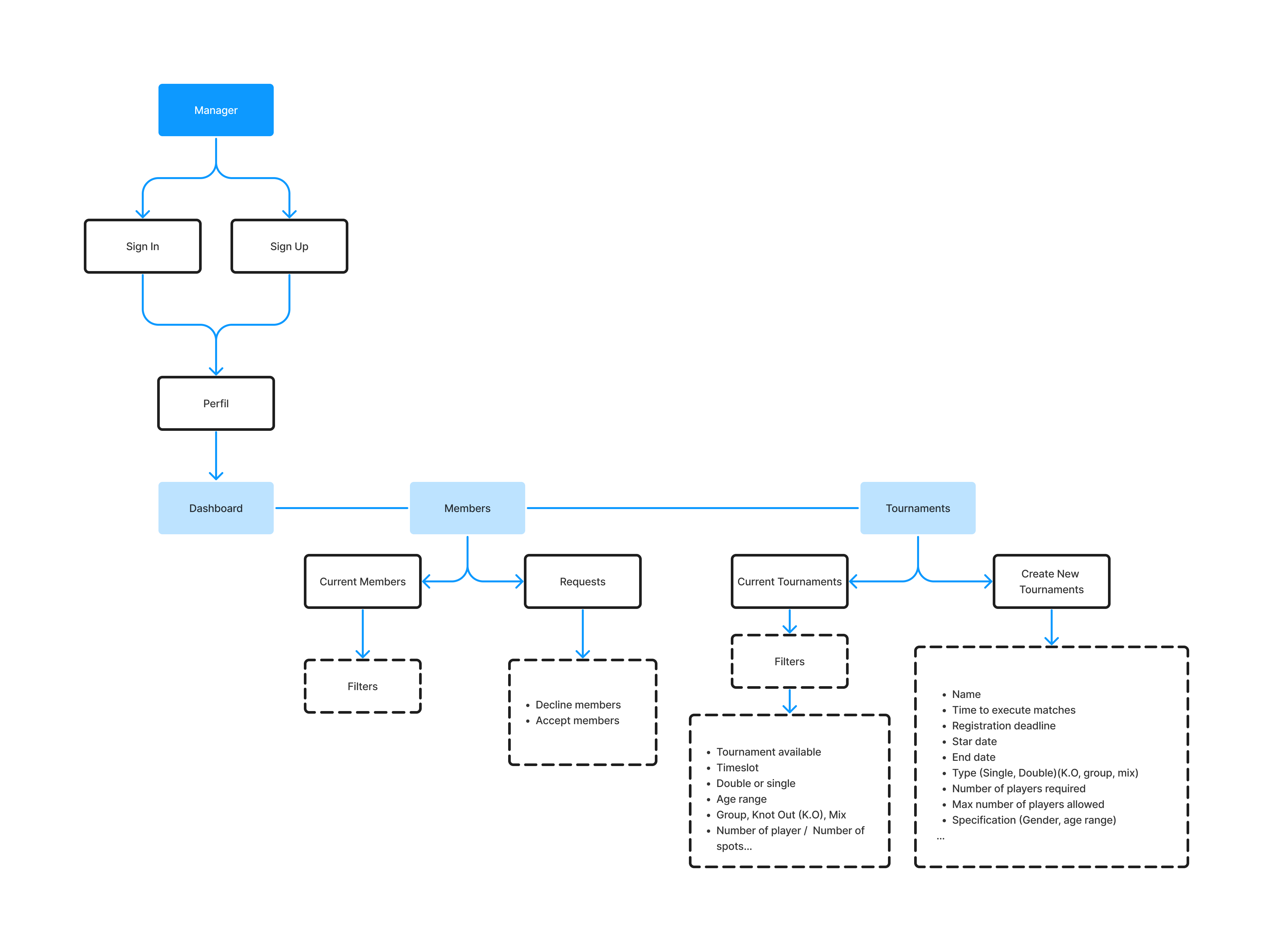
Navigating through TCC

After understanding the problem areas, I designed an information architecture to ensure that the resulting solution not only meets the needs and goals of both players and club managers but also provides a seamless and intuitive user experience. This involved considering how users will navigate through the system and access the information they need to accomplish their tasks efficiently

Player user flow
Manager user flow
Usability testing and delivery

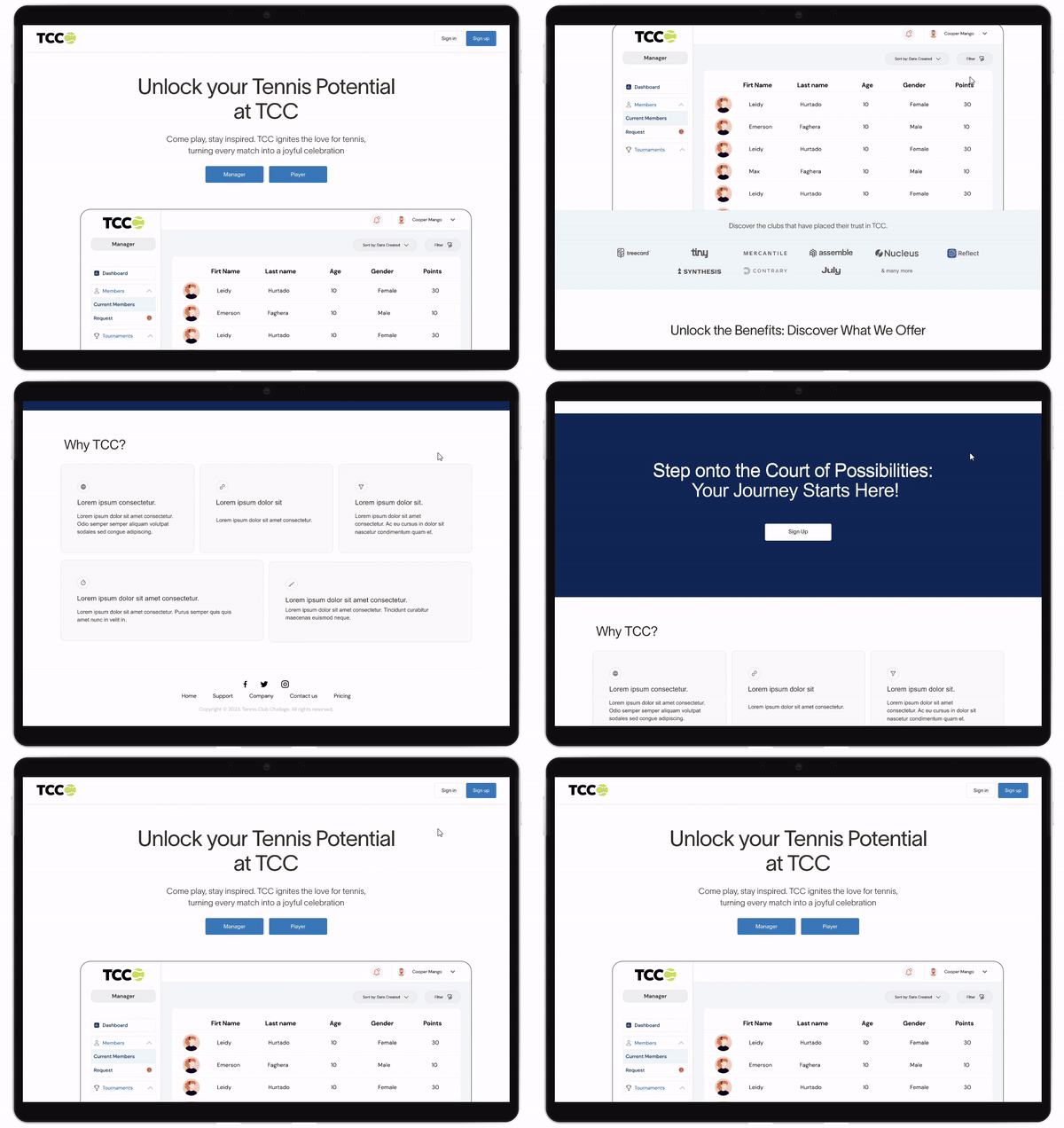
The final MVP product

User testing was an iterative process that was conducted both after ideation with creating sketches and after creating mid-fi prototypes. This helped me to notice the weaknesses of the design and also contribute with feedback on things I could develop in the design. Once feedback was gathered, I revisited the prototypes and tested them again.

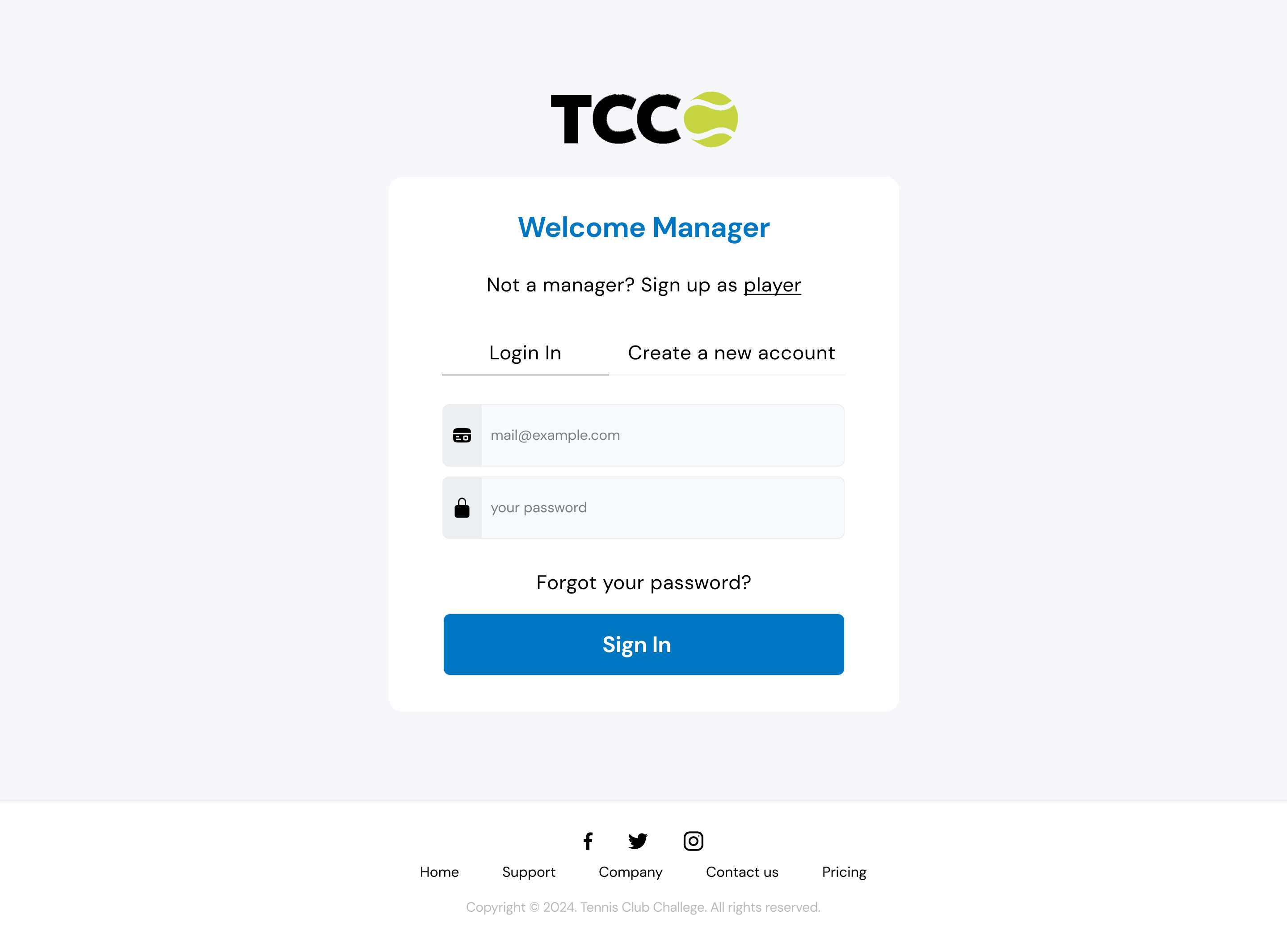
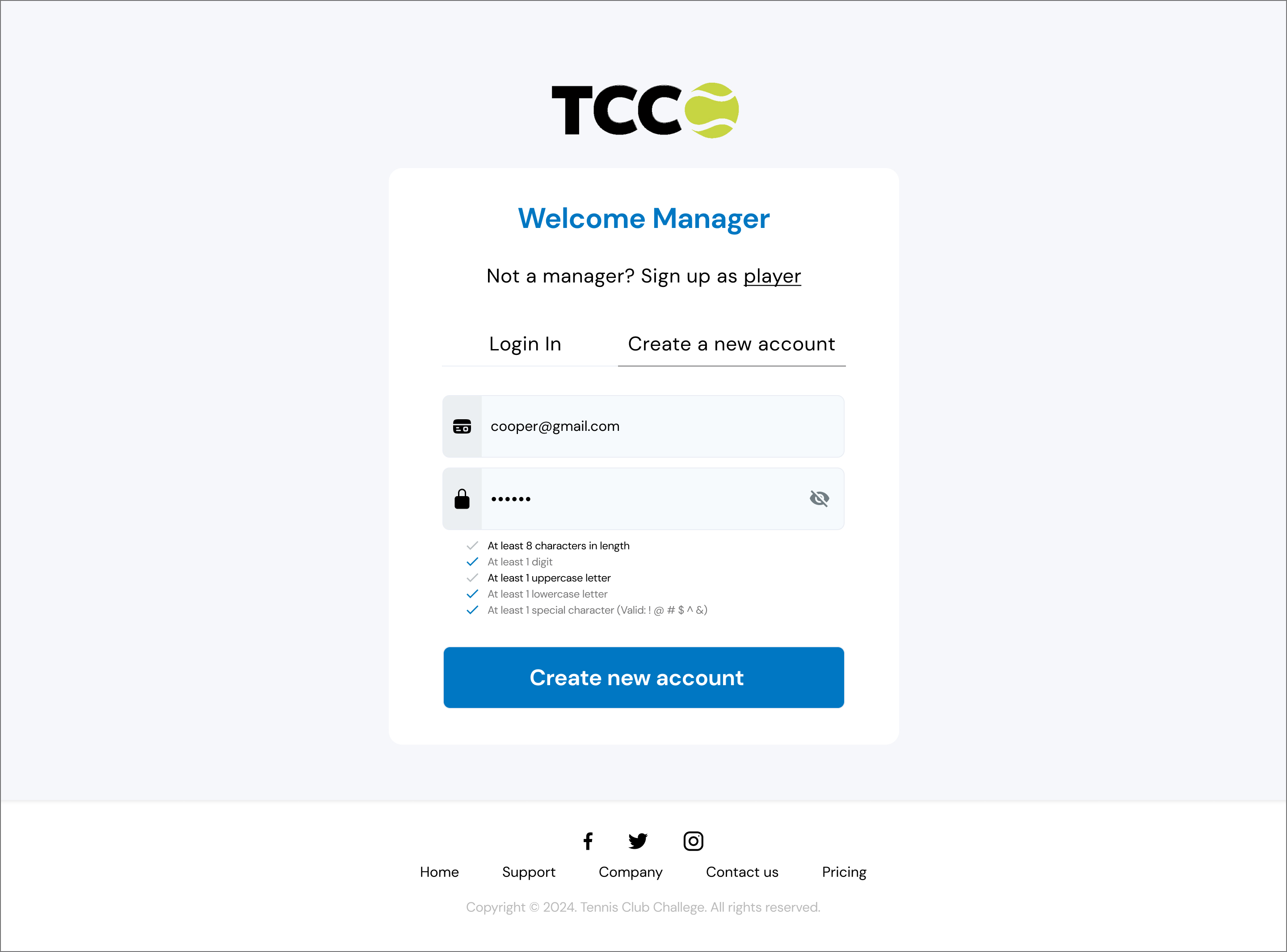
Sign Up

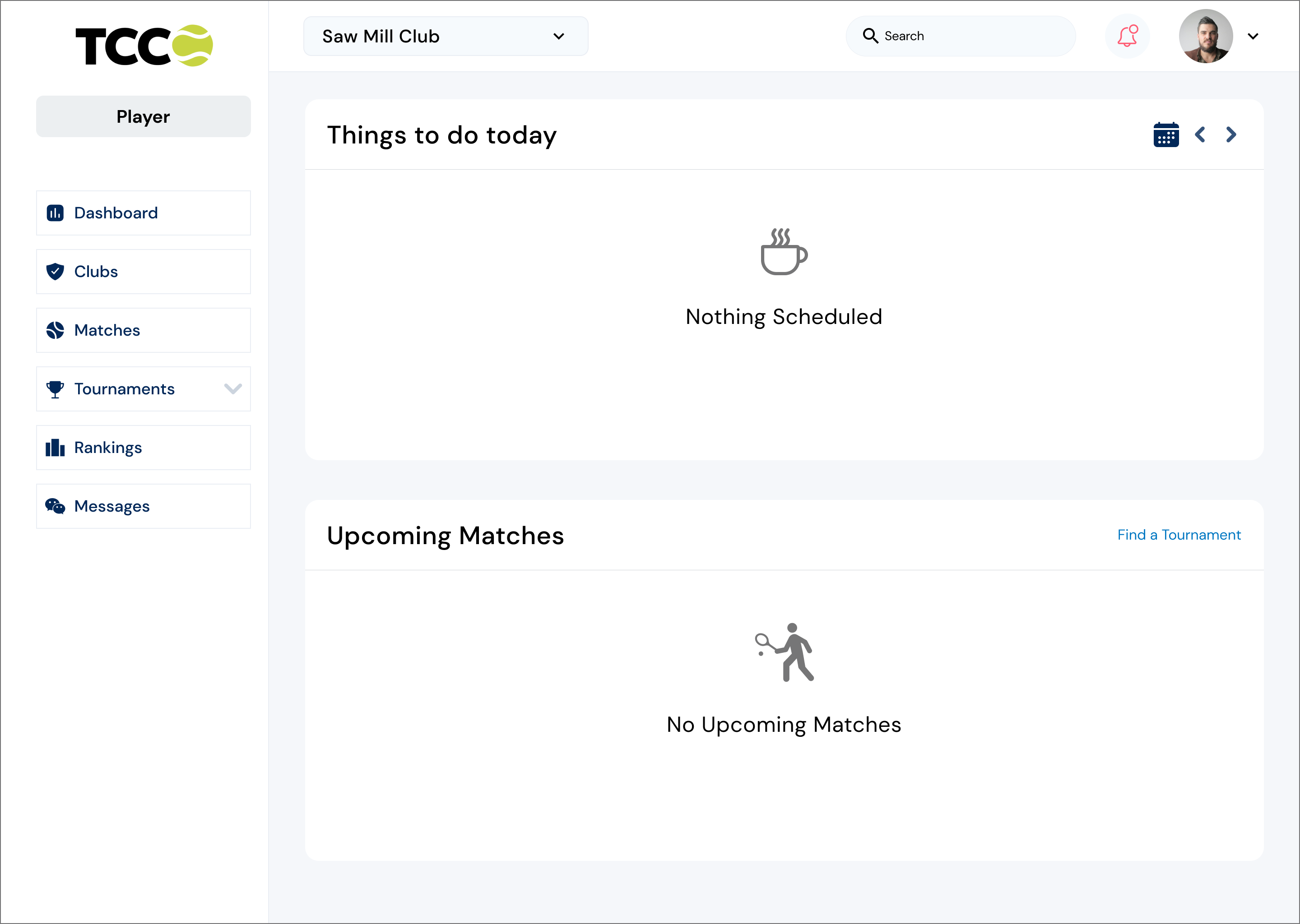
Dashboard Player

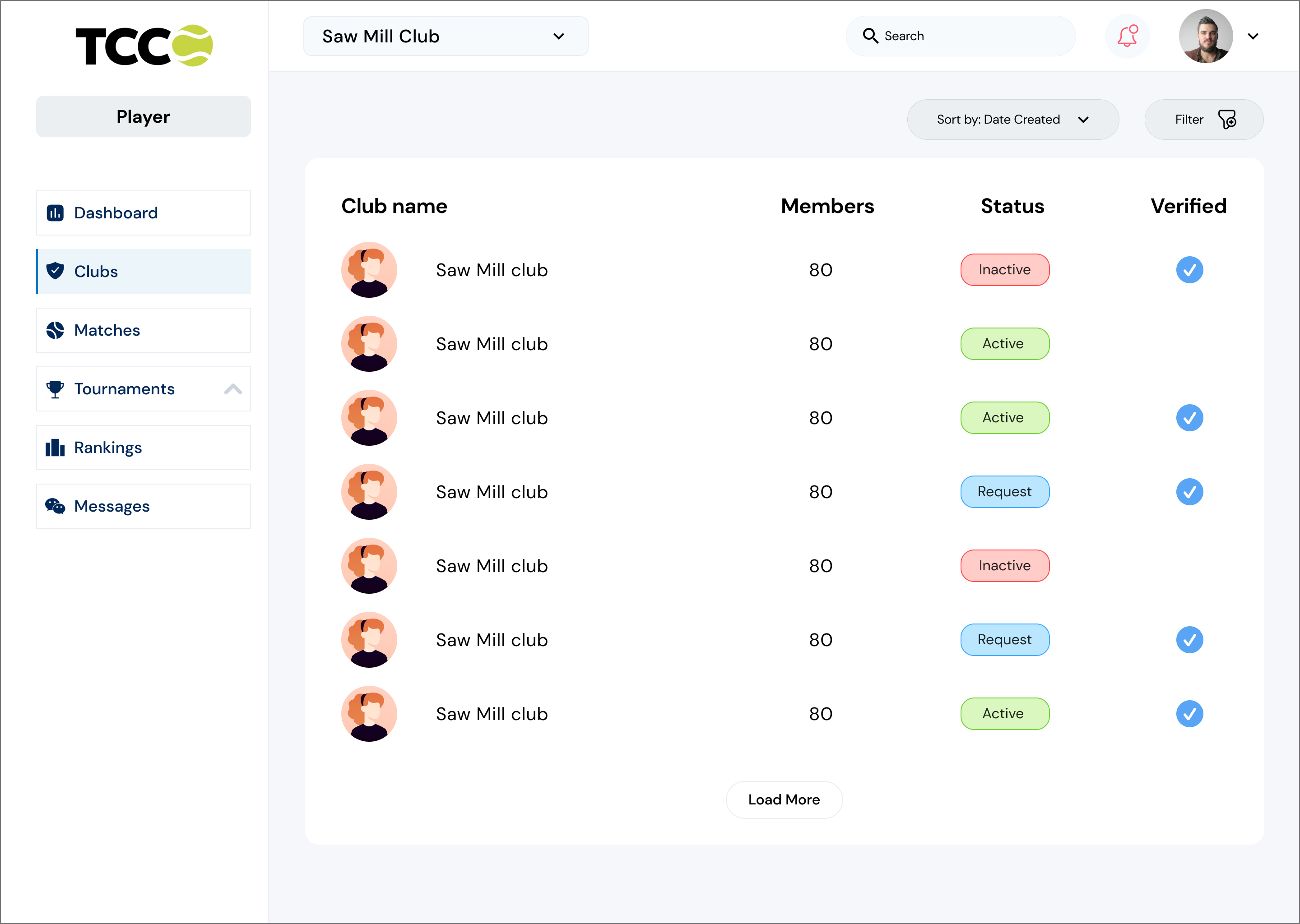
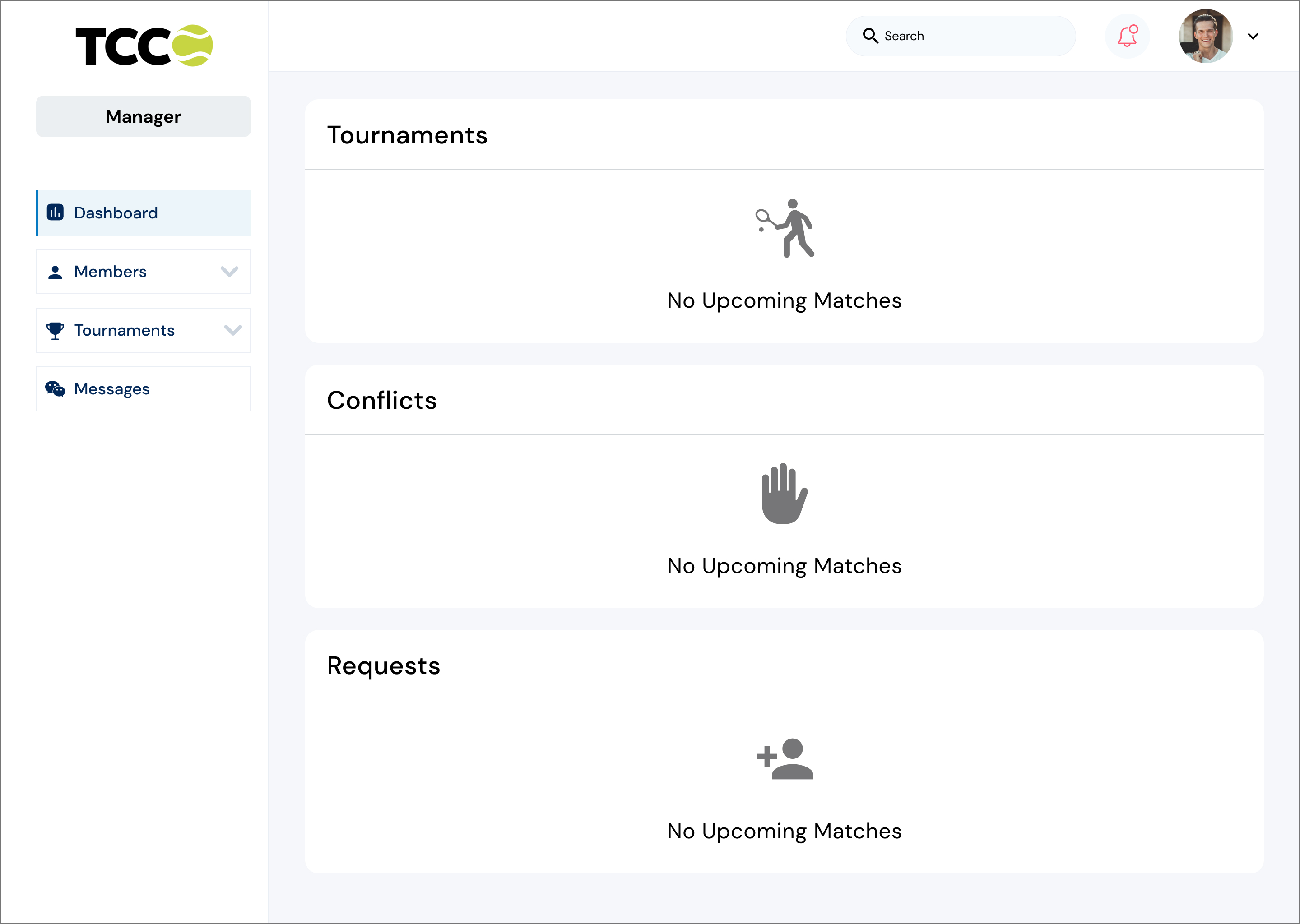
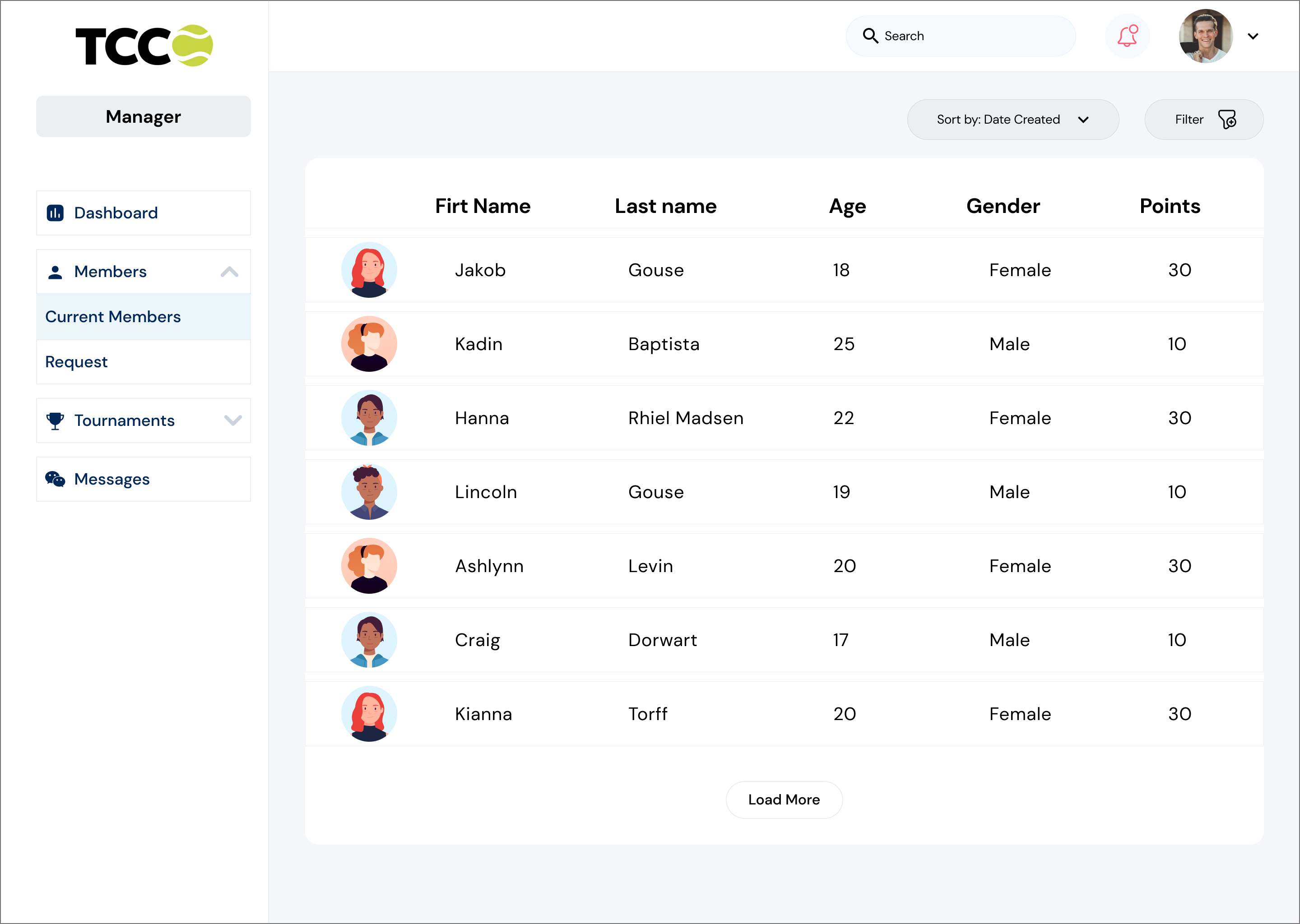
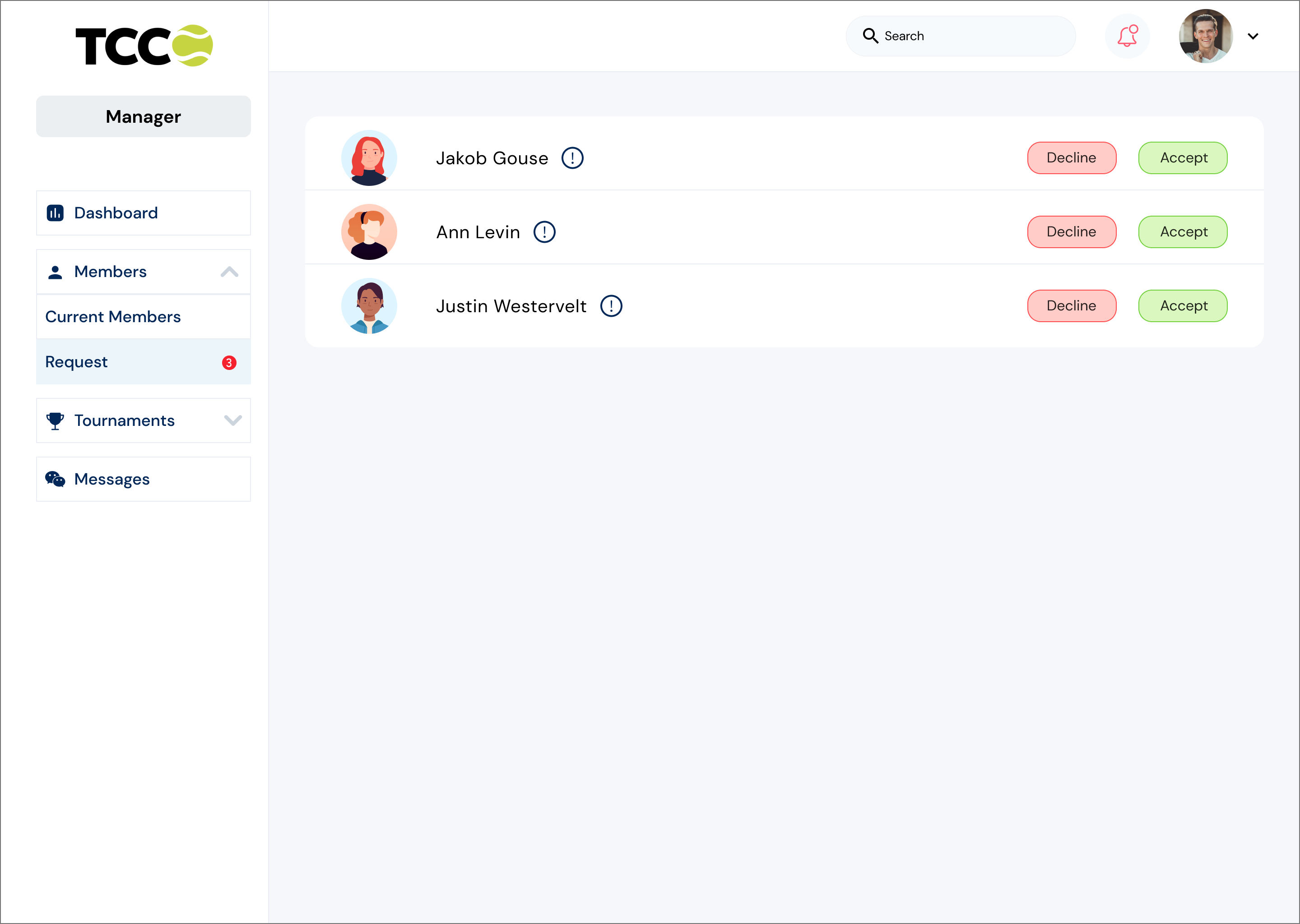
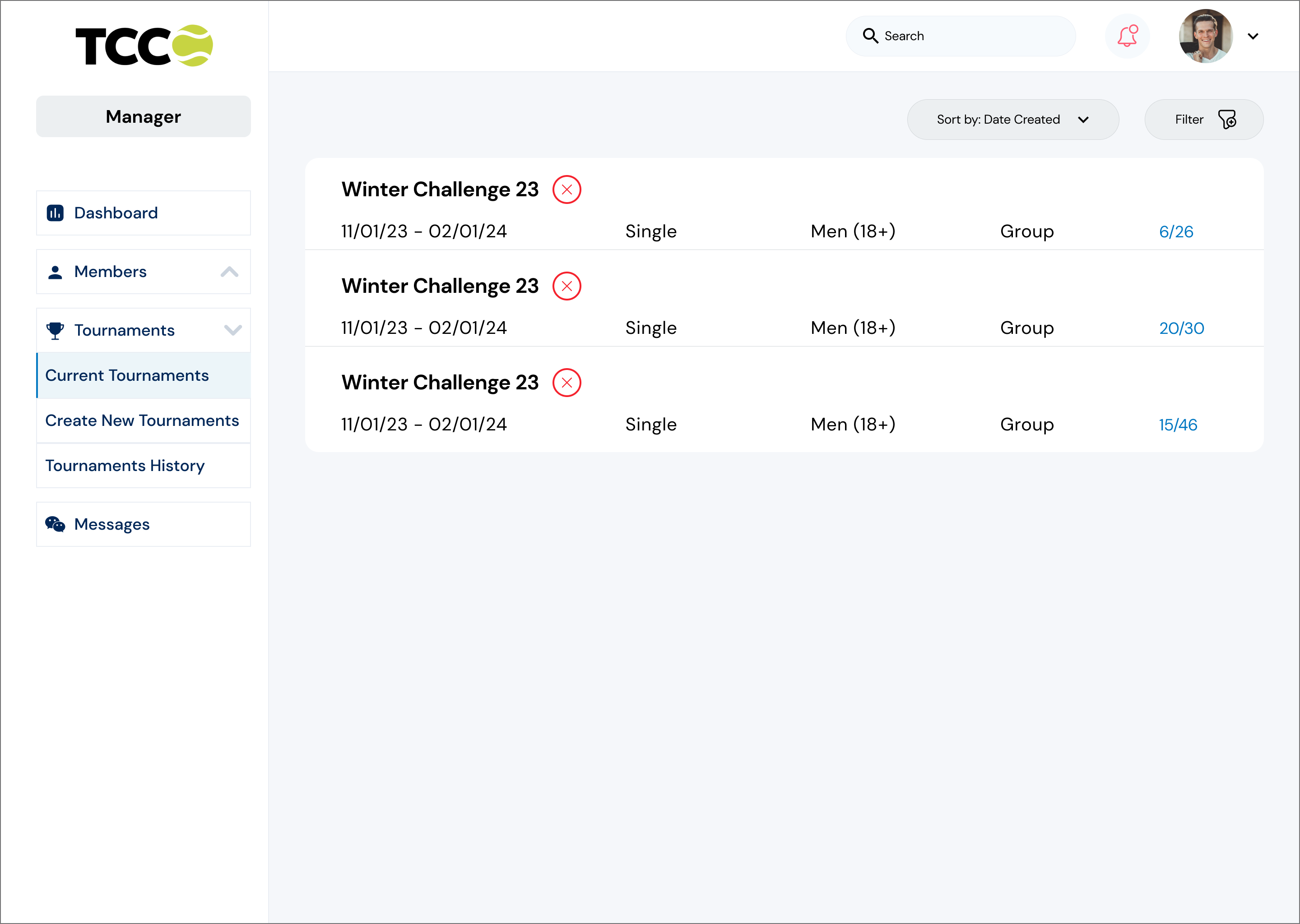
Dashboard Club Manager

Conclusion

What I learned.