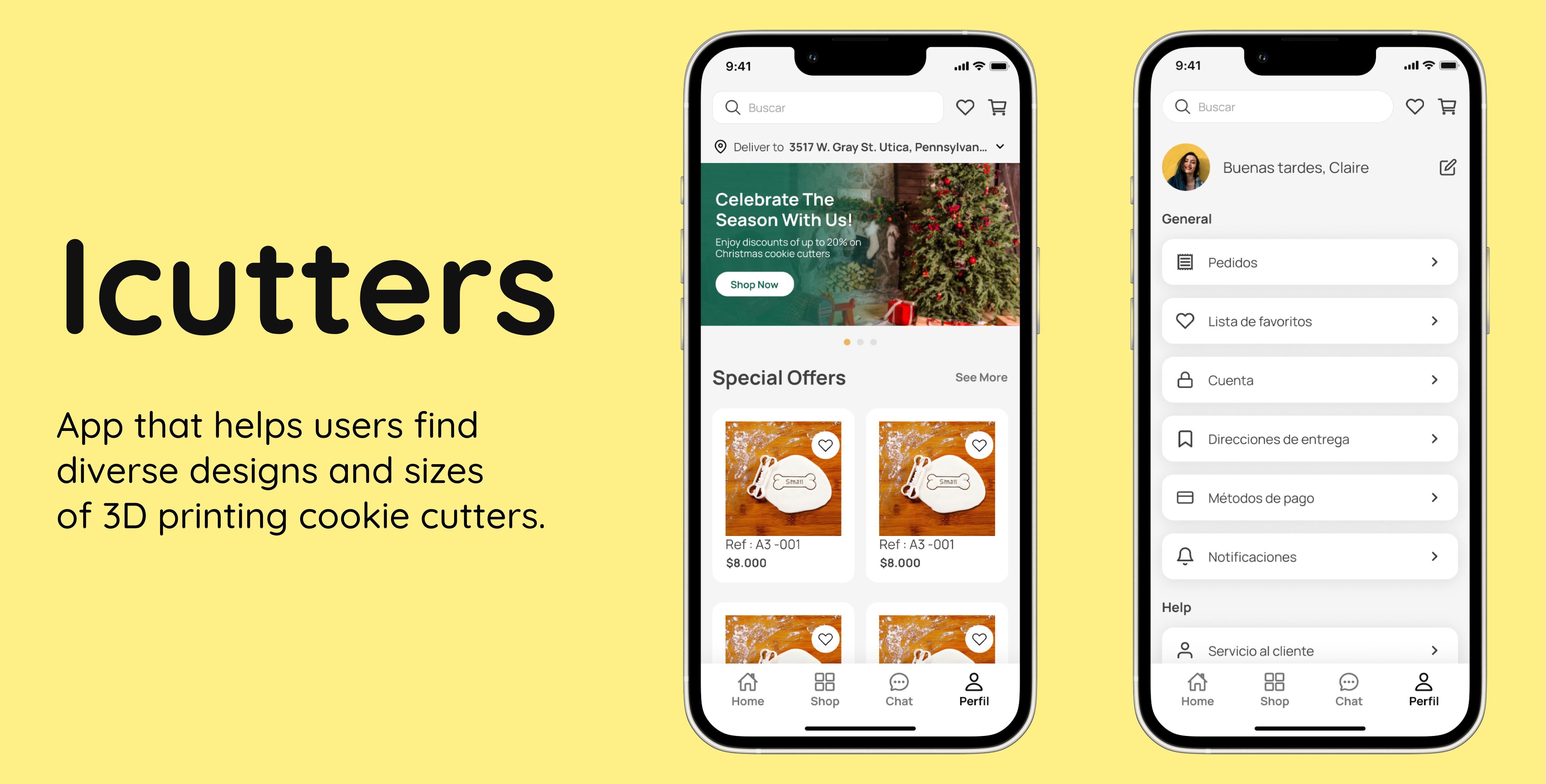
UX/UI design.
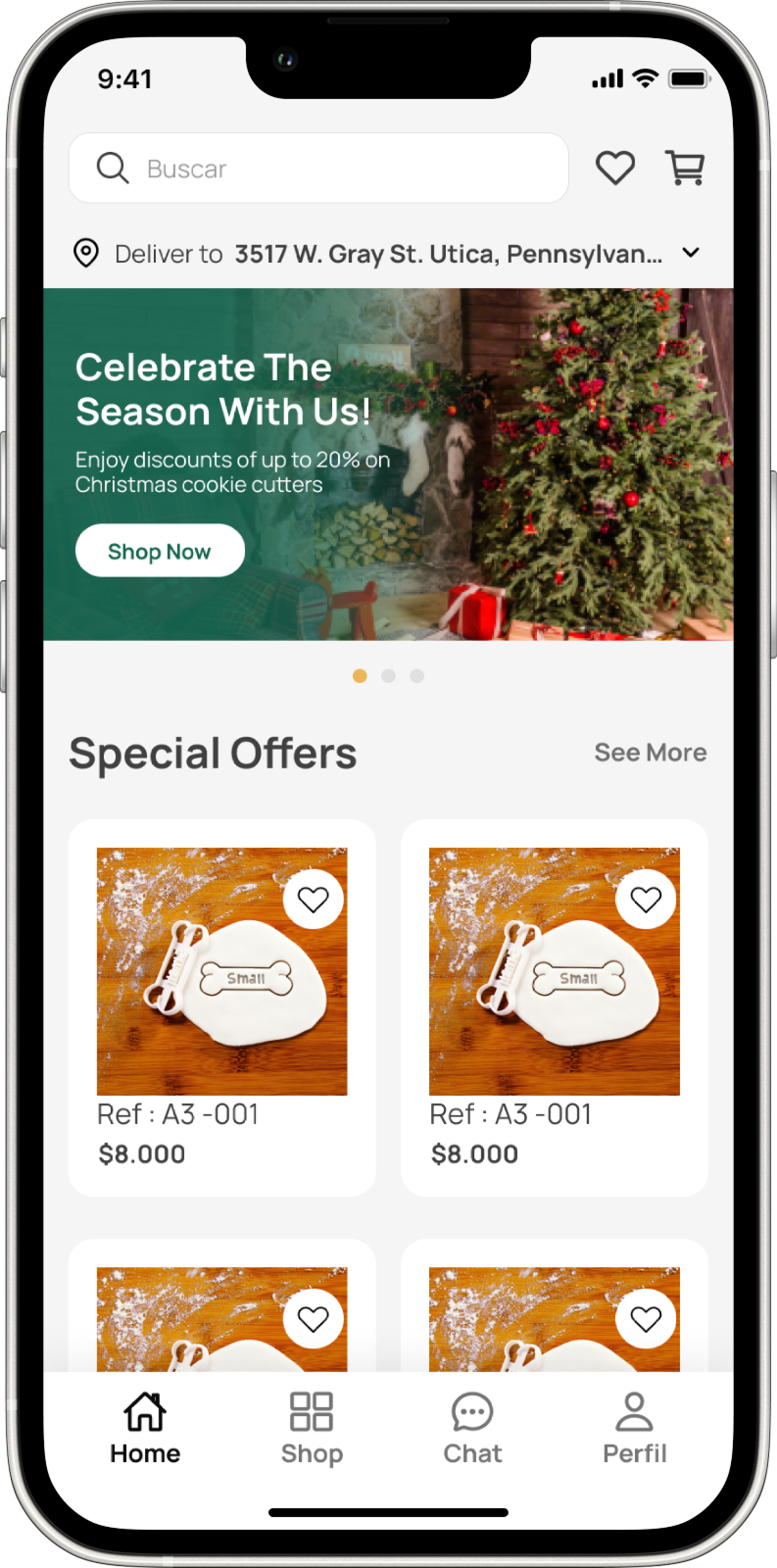
Design a mobile application that offers users easy and convenient access to a diverse selection of cookie cutter designs and sizes, guaranteeing a seamless and user-friendly shopping experience while helping them find the perfect cutter for their needs.
Role
Product, UX/UI, Research, Branding
Tools
Figma, Illustrator
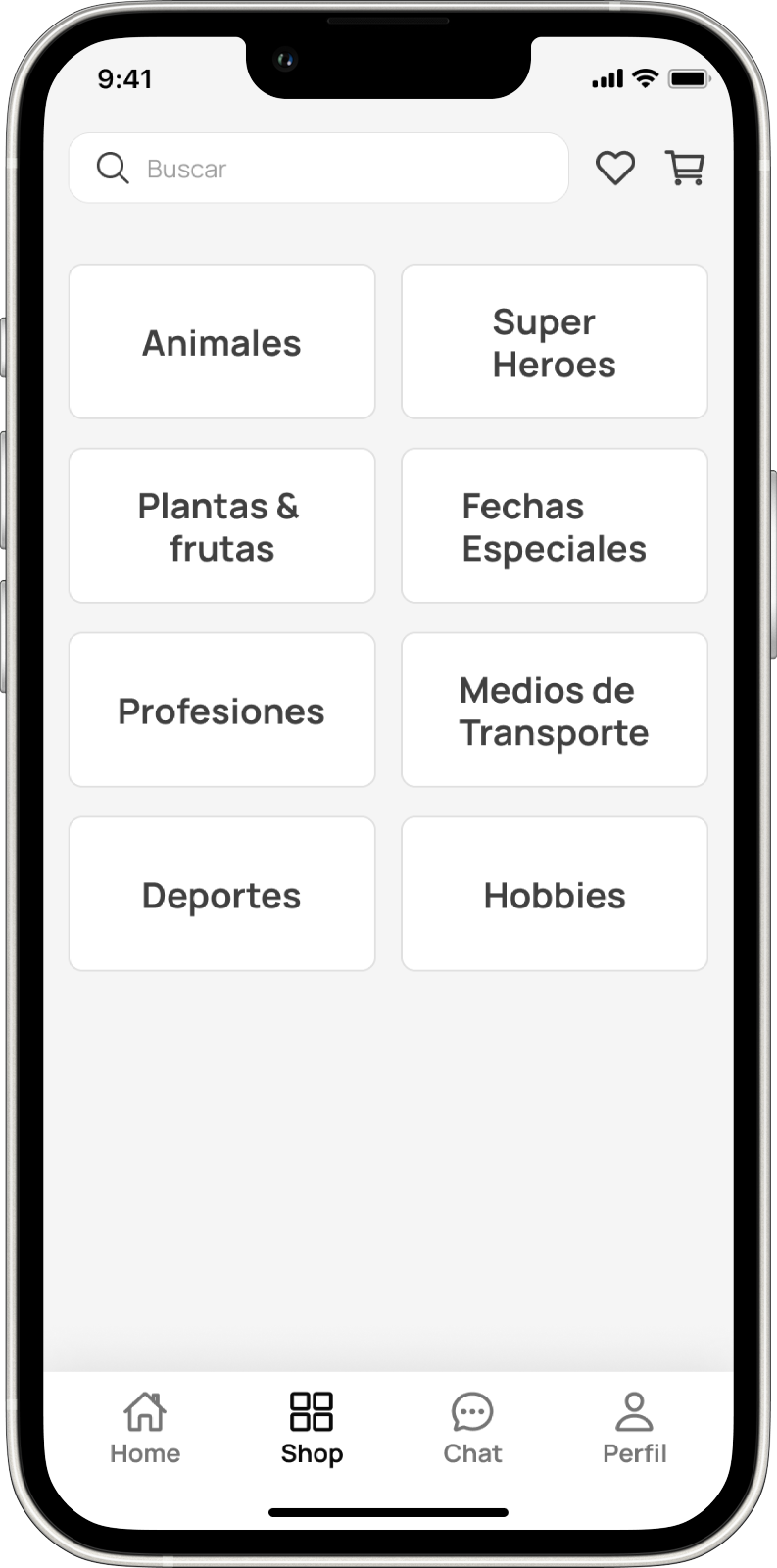
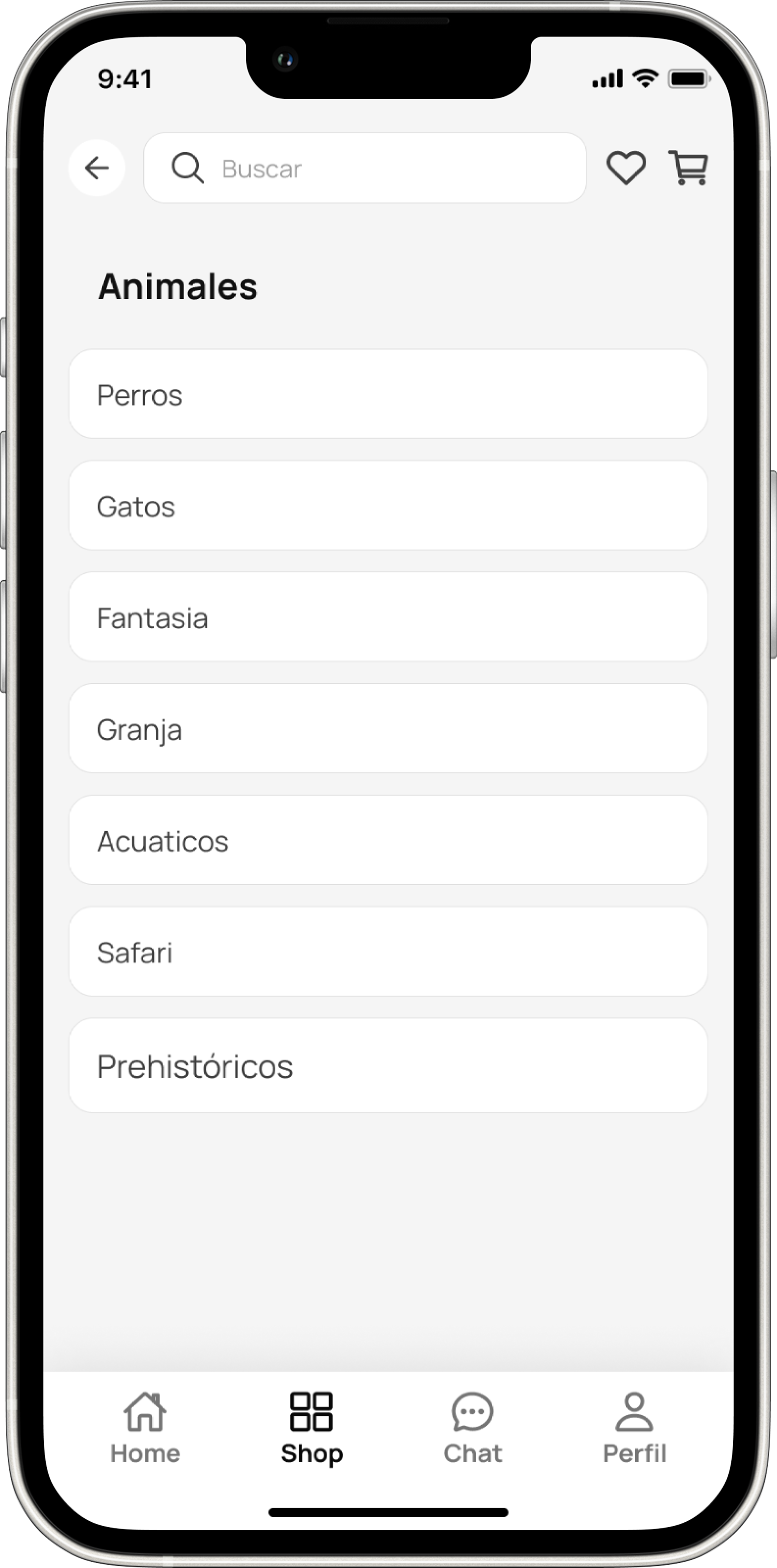
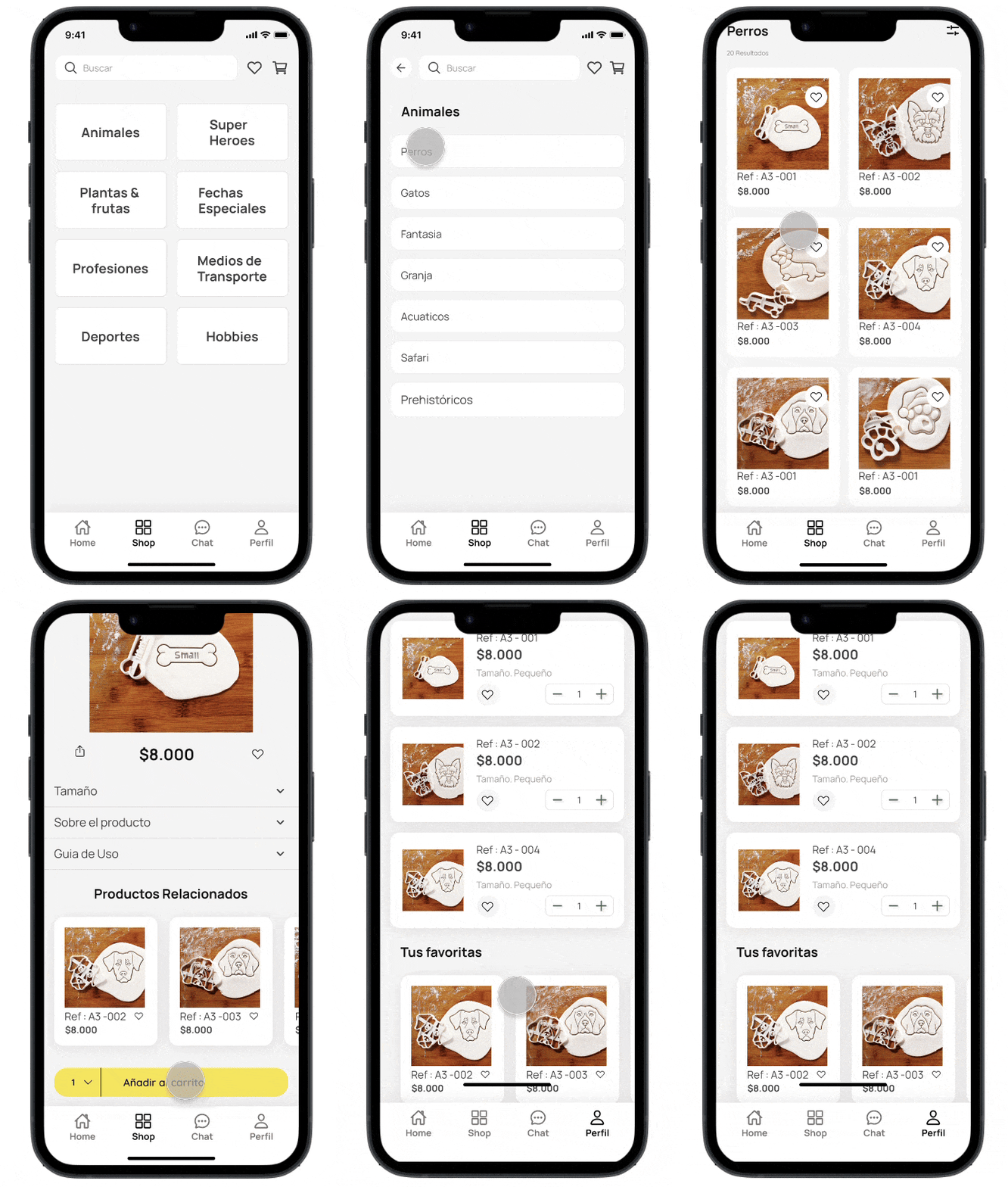
Exploring by categories
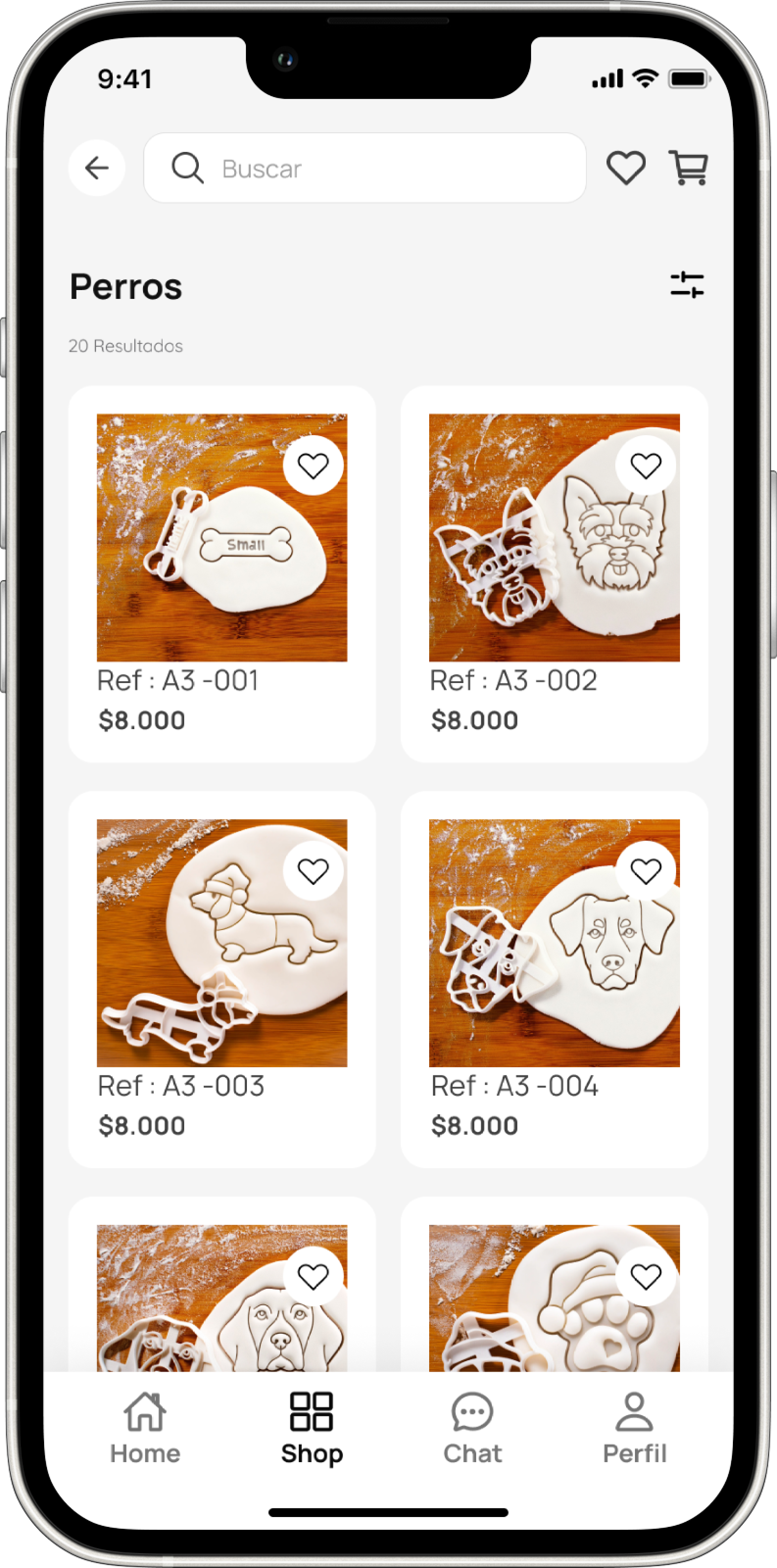
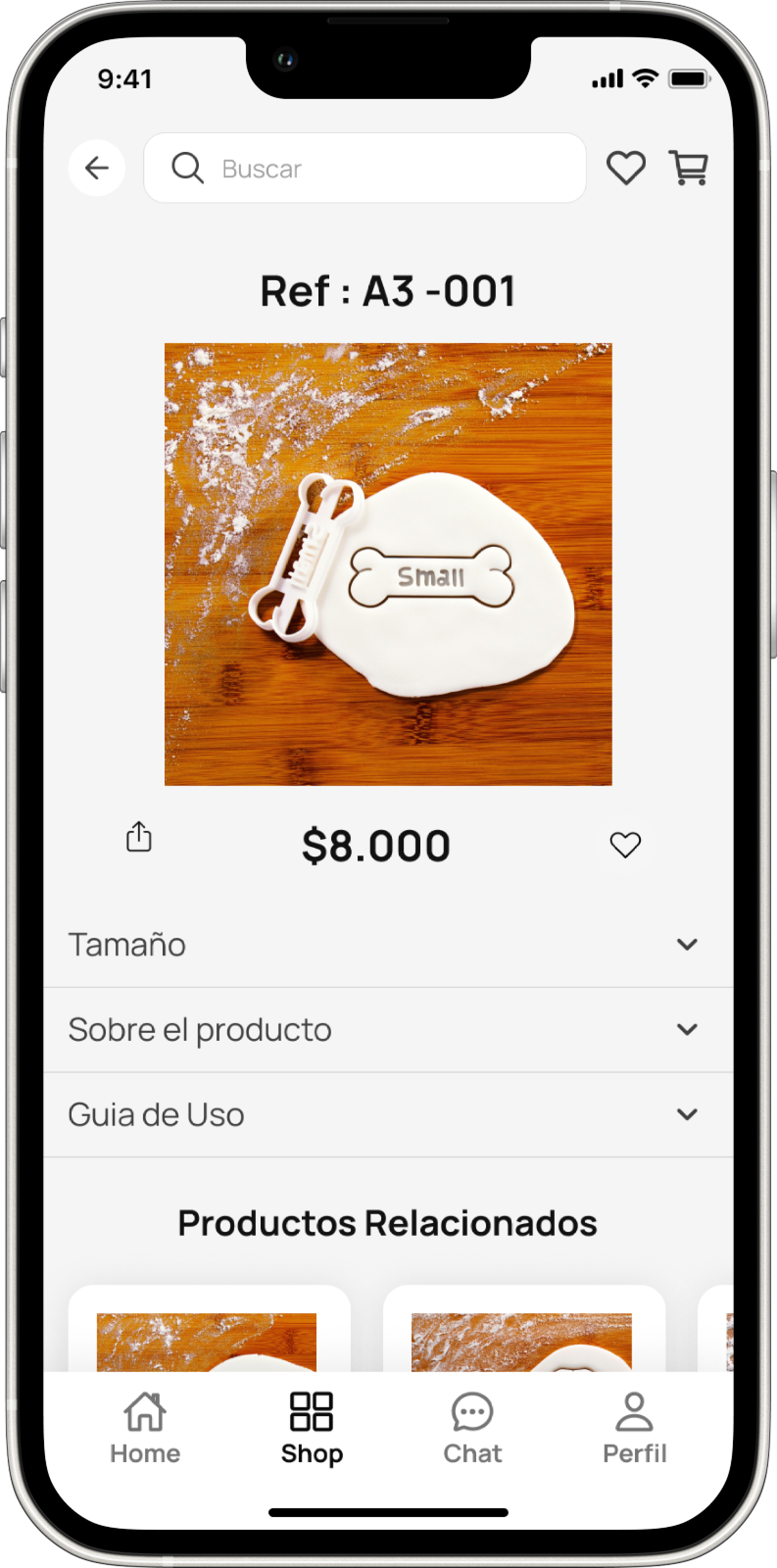
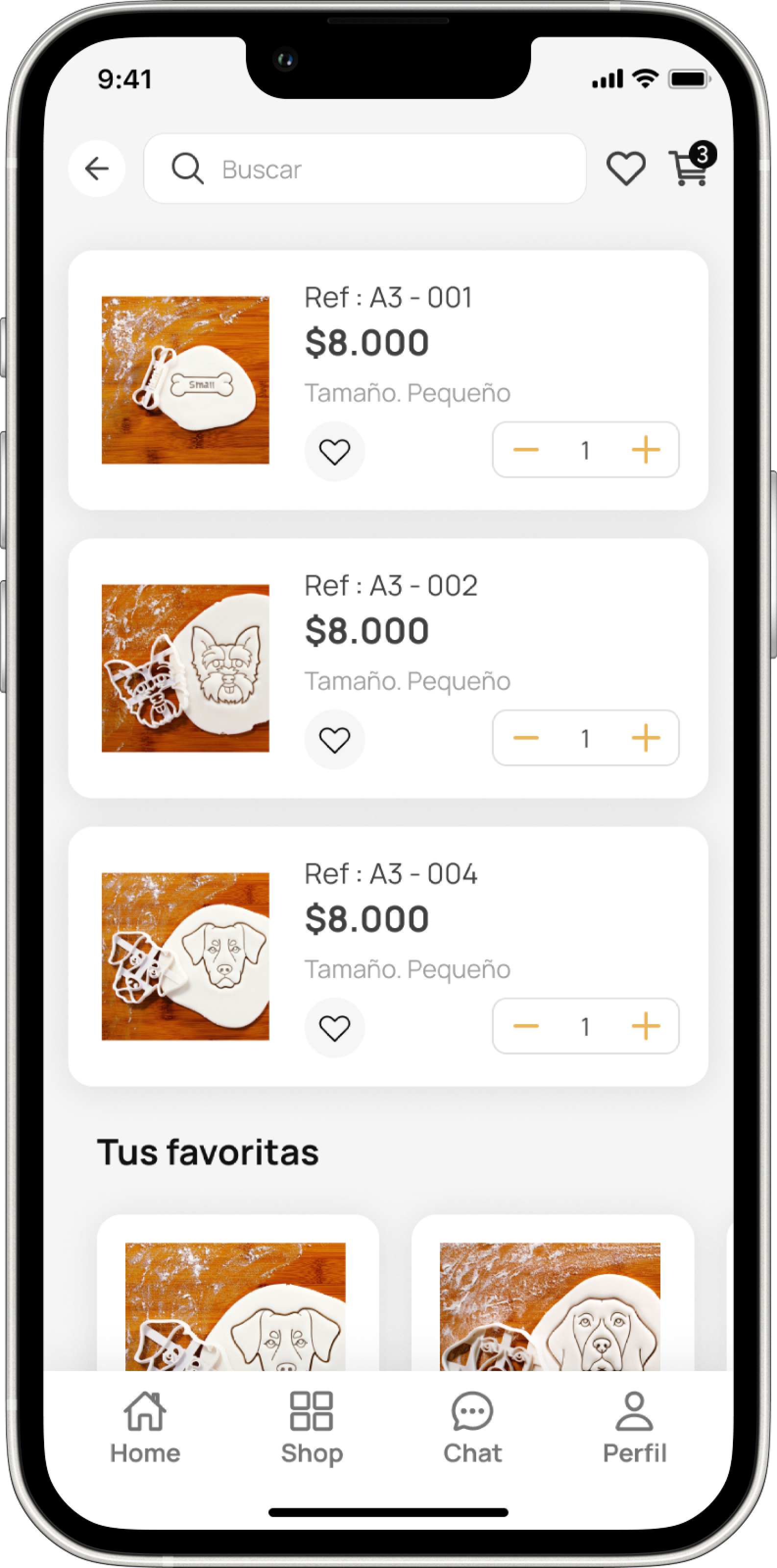
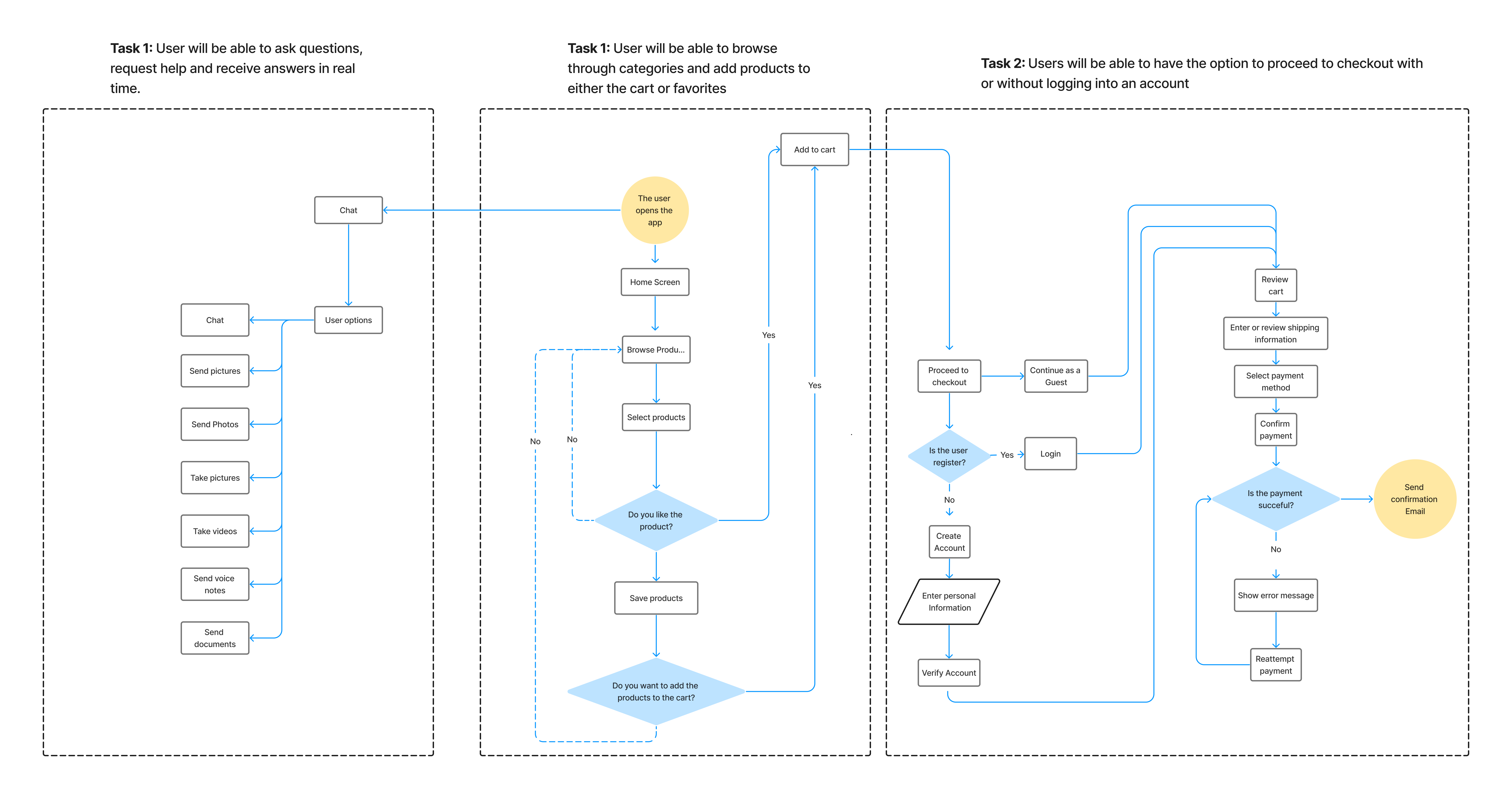
Offers users the ability to browse through categories and subcategories, enabling them to explore the entire product range. With intuitive navigation, users can select items, customize sizes, and then either add them to the cart or save them as favorites.
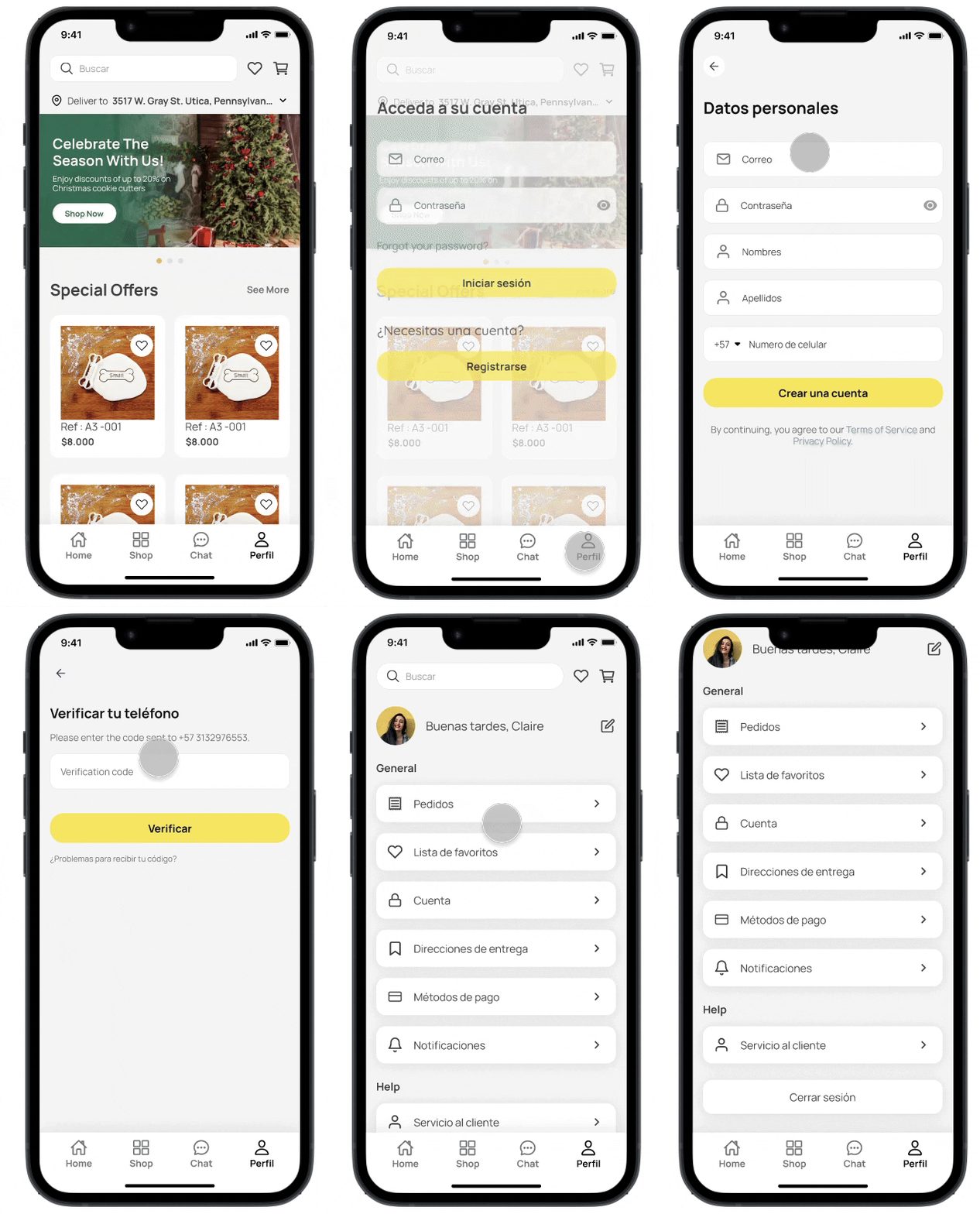
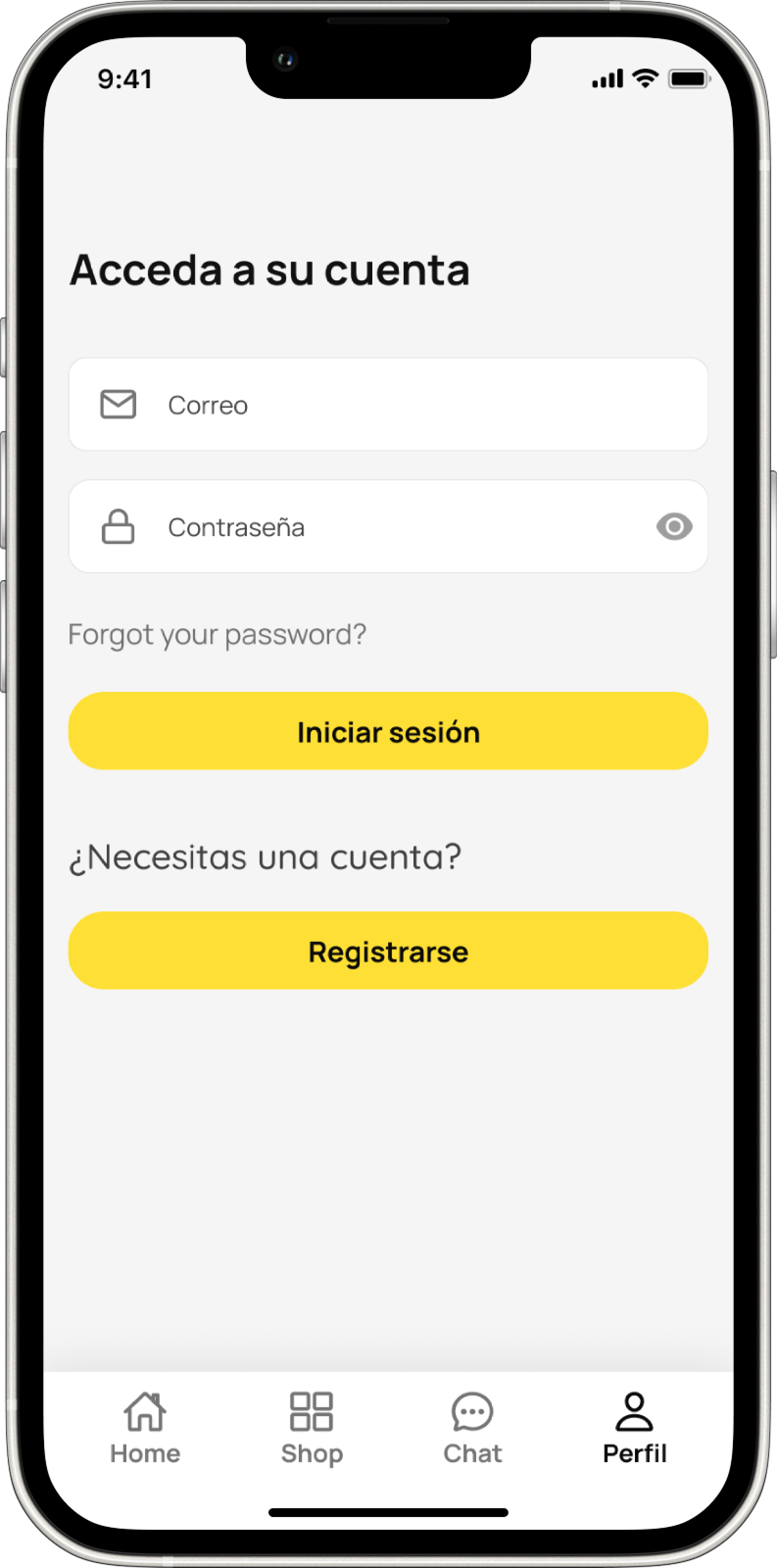
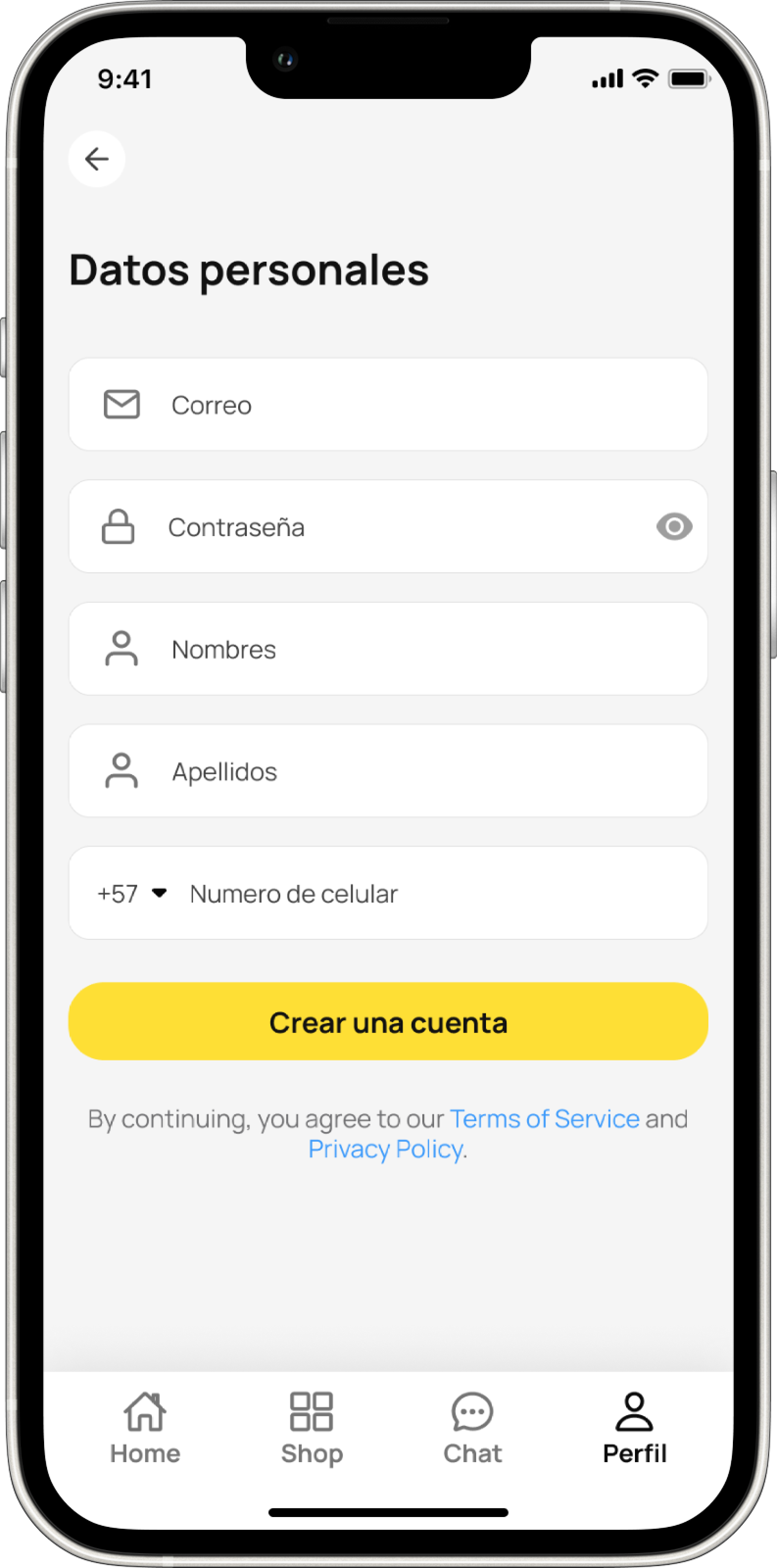
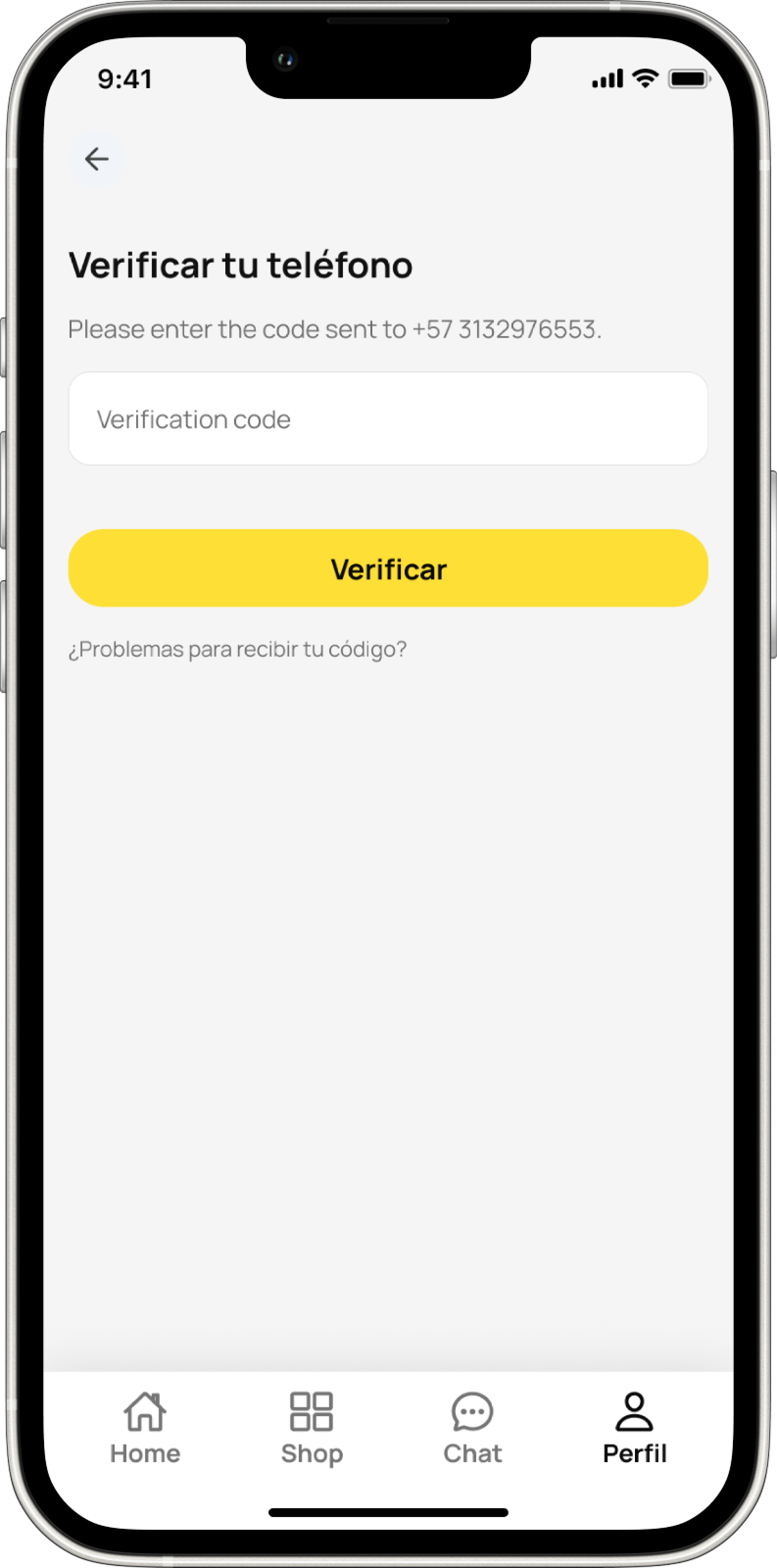
A seamless sign in experience
Convenient login feature offers users multiple options: they can register and create a new account, log in with existing credentials, or proceed as a guest. This enhances the user experience by providing flexibility and easy access to platform services, including checkout.
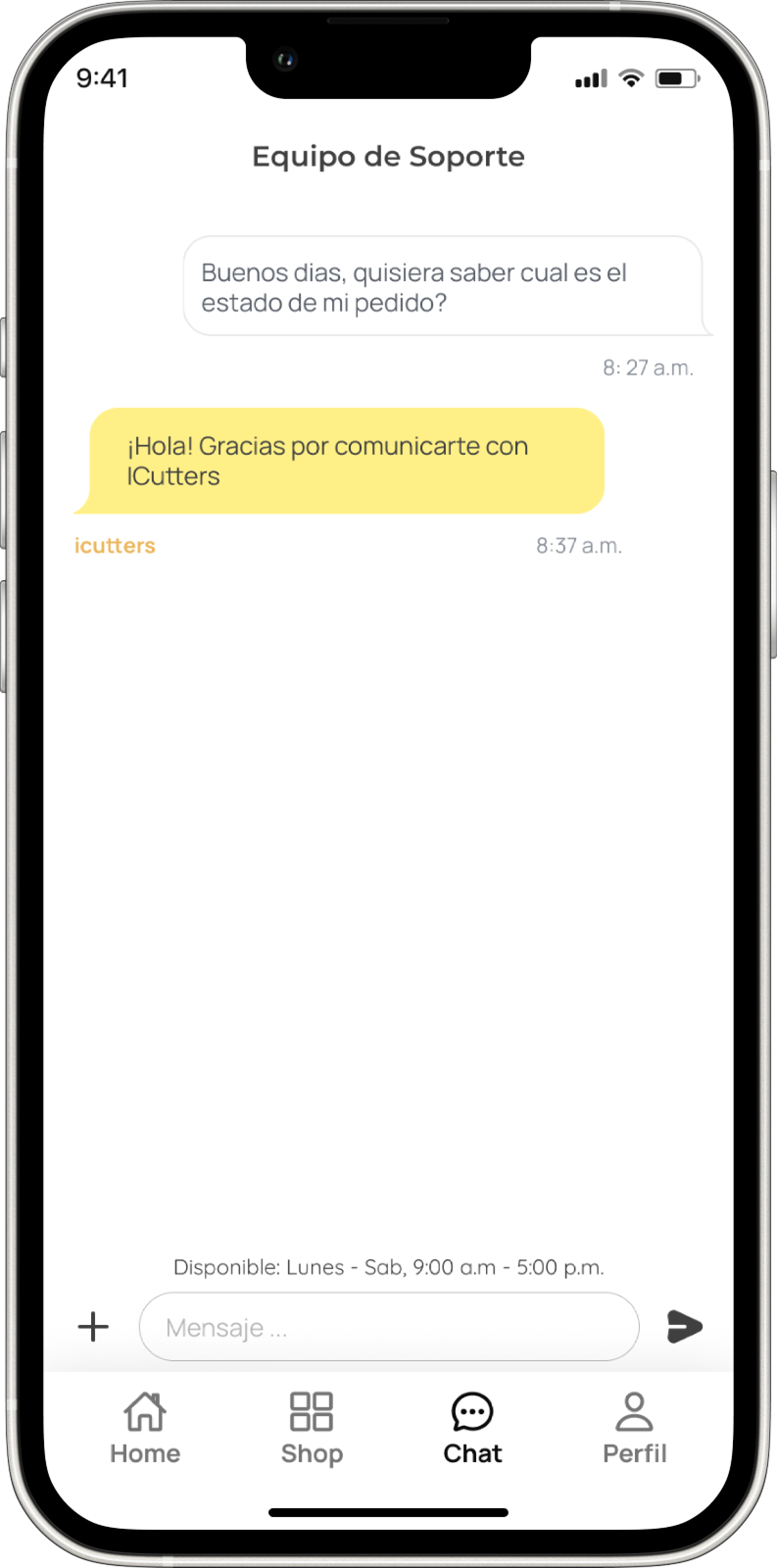
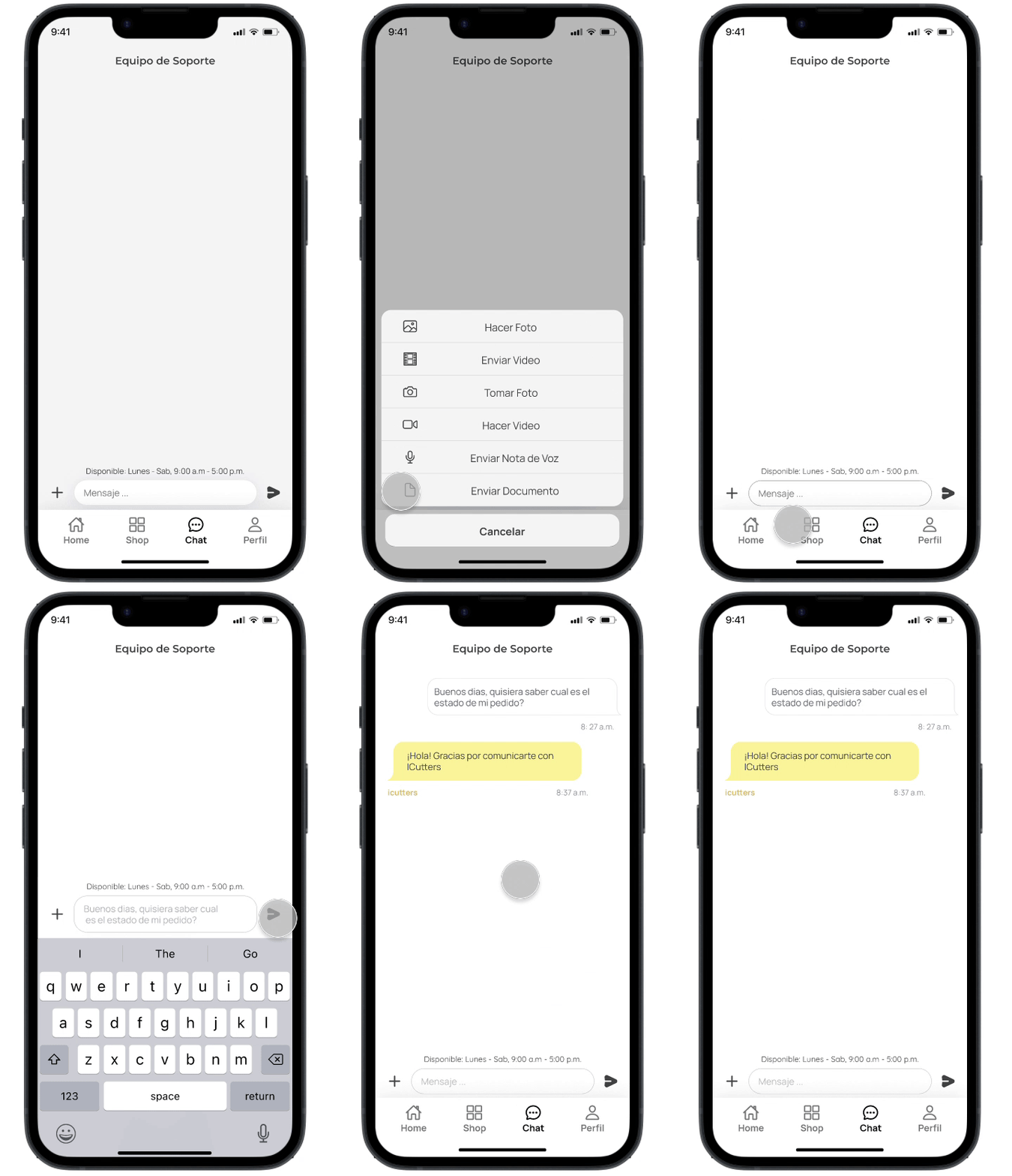
Chat
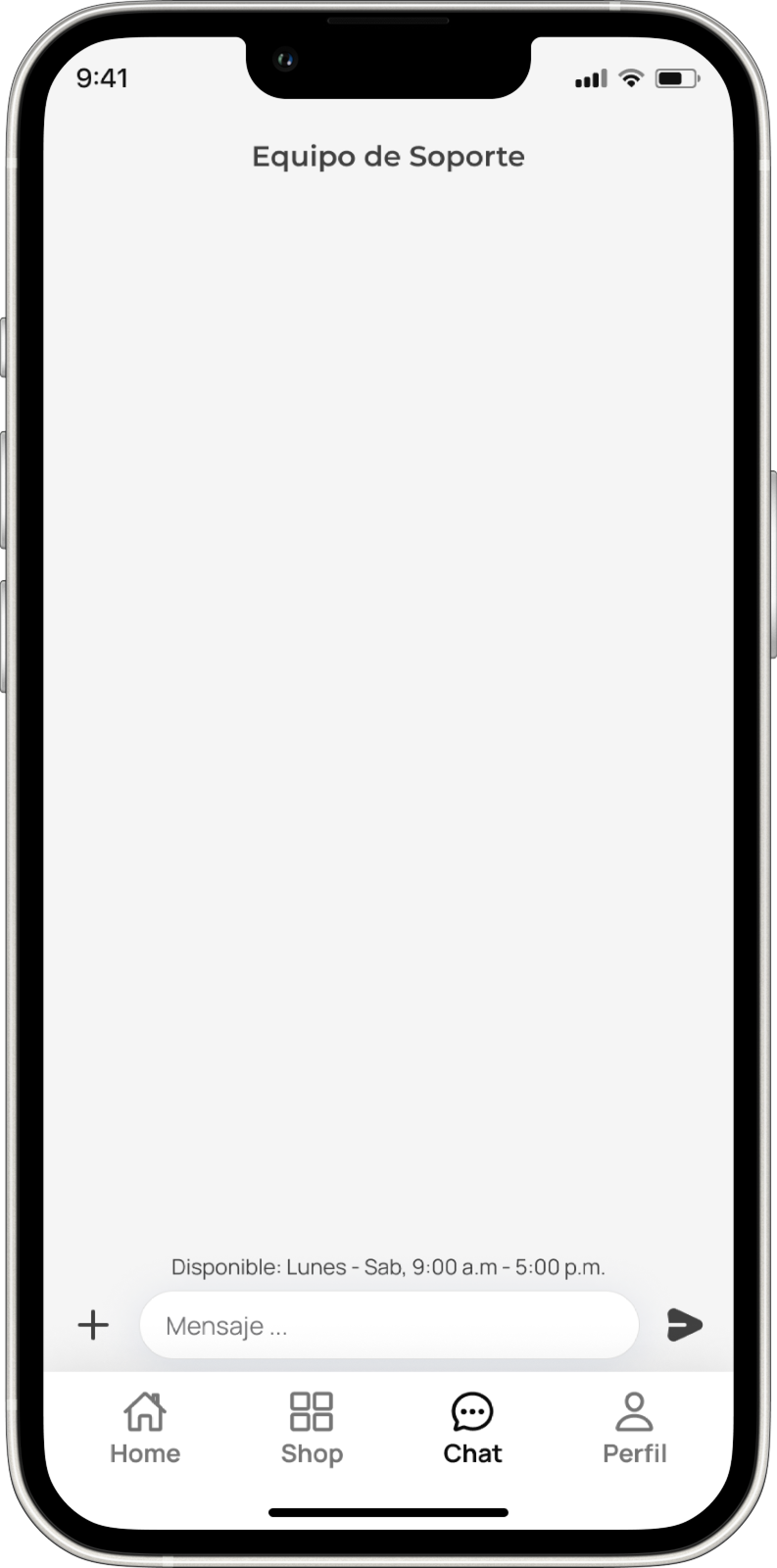
Provides users direct communication with the support team for assistance. Thanks to real-time messaging, users can easily ask questions, seek help and receive assistance in real time.

Carlos owns a family bakery and is looking to expand his product offerings to include decorated cookies. He is interested in high-quality cookie cutters that are durable and easy to clean due to the production volume in his business. He values efficiency and the ability to adapt to his customers' demands.

María is a hardworking mother who recently decided to turn her passion for baking into a homemade cookie business. She has basic baking skills but is eager to learn and improve. She is interested in cookie cutters that are easy to use and help her create attractive products for her customers.

Sophie is an enthusiastic baking hobbyist who enjoys making decorated cookies in her free time. She is looking for cookie cutters with creative and fun designs to experiment with new recipes and decoration techniques. She enjoys exploring different options and appreciates the convenience of buying cookie cutters online.
"As a new user, I want to to browse through categories and add products to either the cart or favorites"
"As a new user, I wish to proceed to an easy checkout"
"As a new user, I want to ask questions, request help and receive answers in real time"
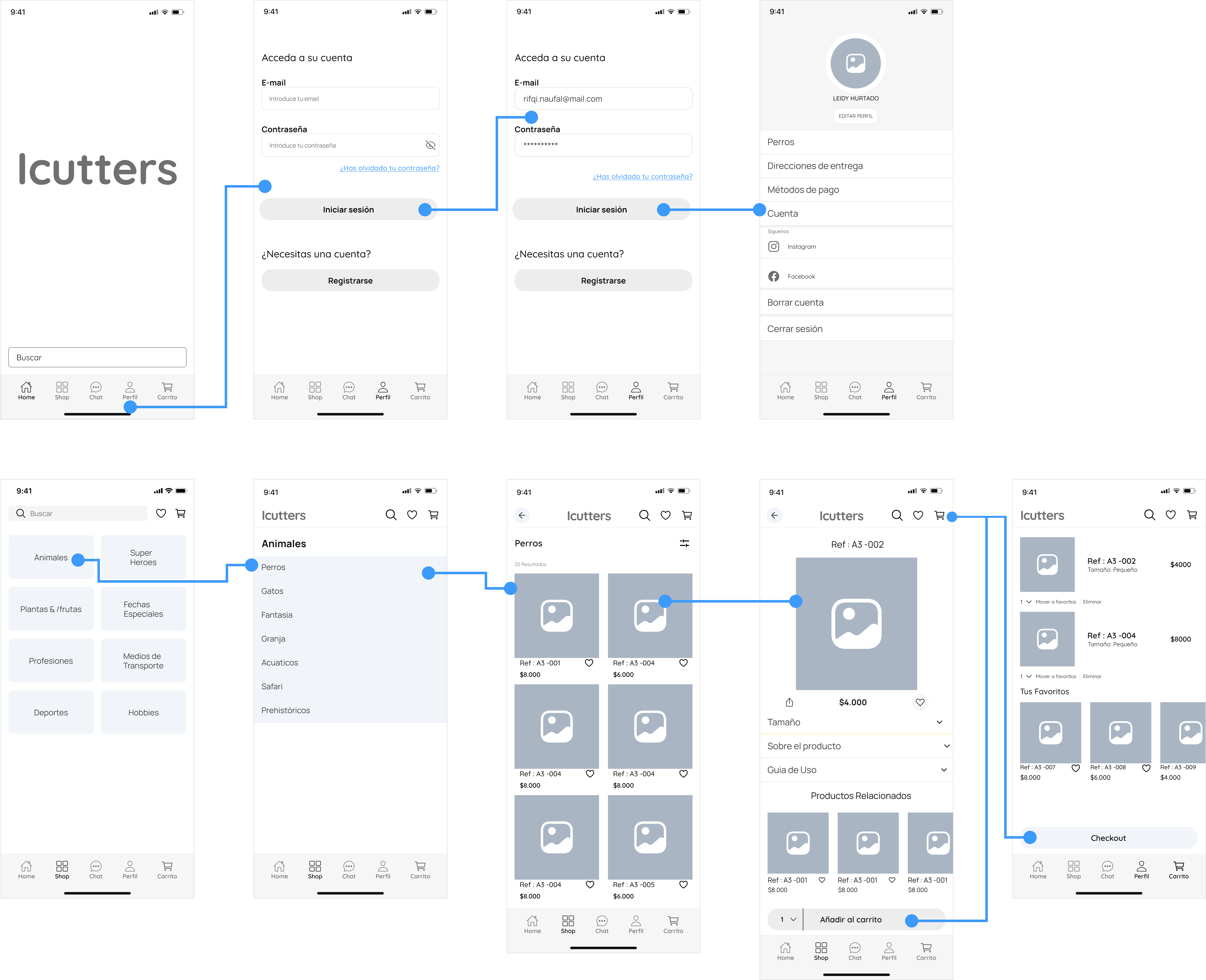
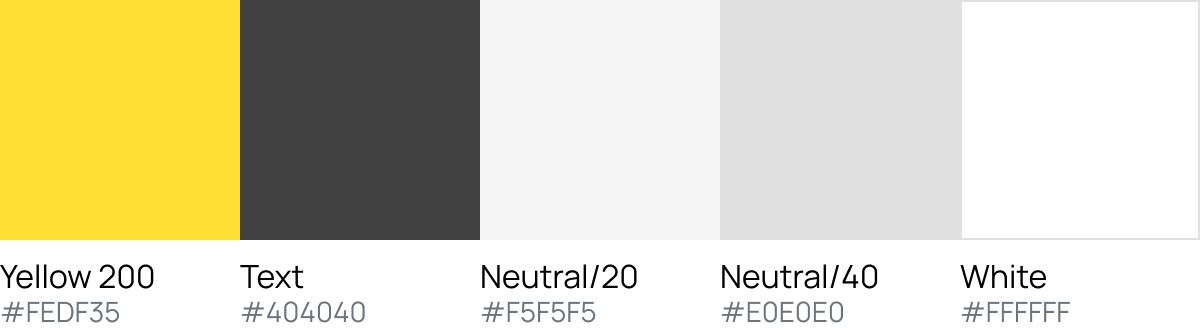

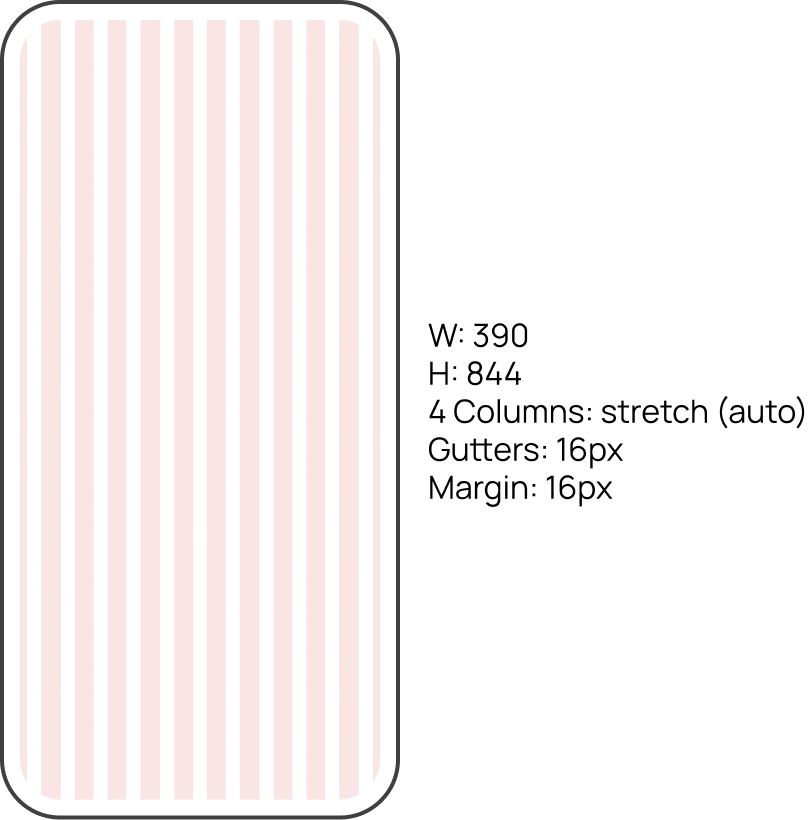
Icutters adopts a mobile-first design approach to ensure seamless accessibility and user experience across all devices.
Size: Minimum size for an icon is 20x20 and the max size is 24x24 as needed.
Stroke: All icons should be aliened with a min 1.5 px and max 2 px
Monochromatic: Icons default color is (404040). But icons can be used in any brand color